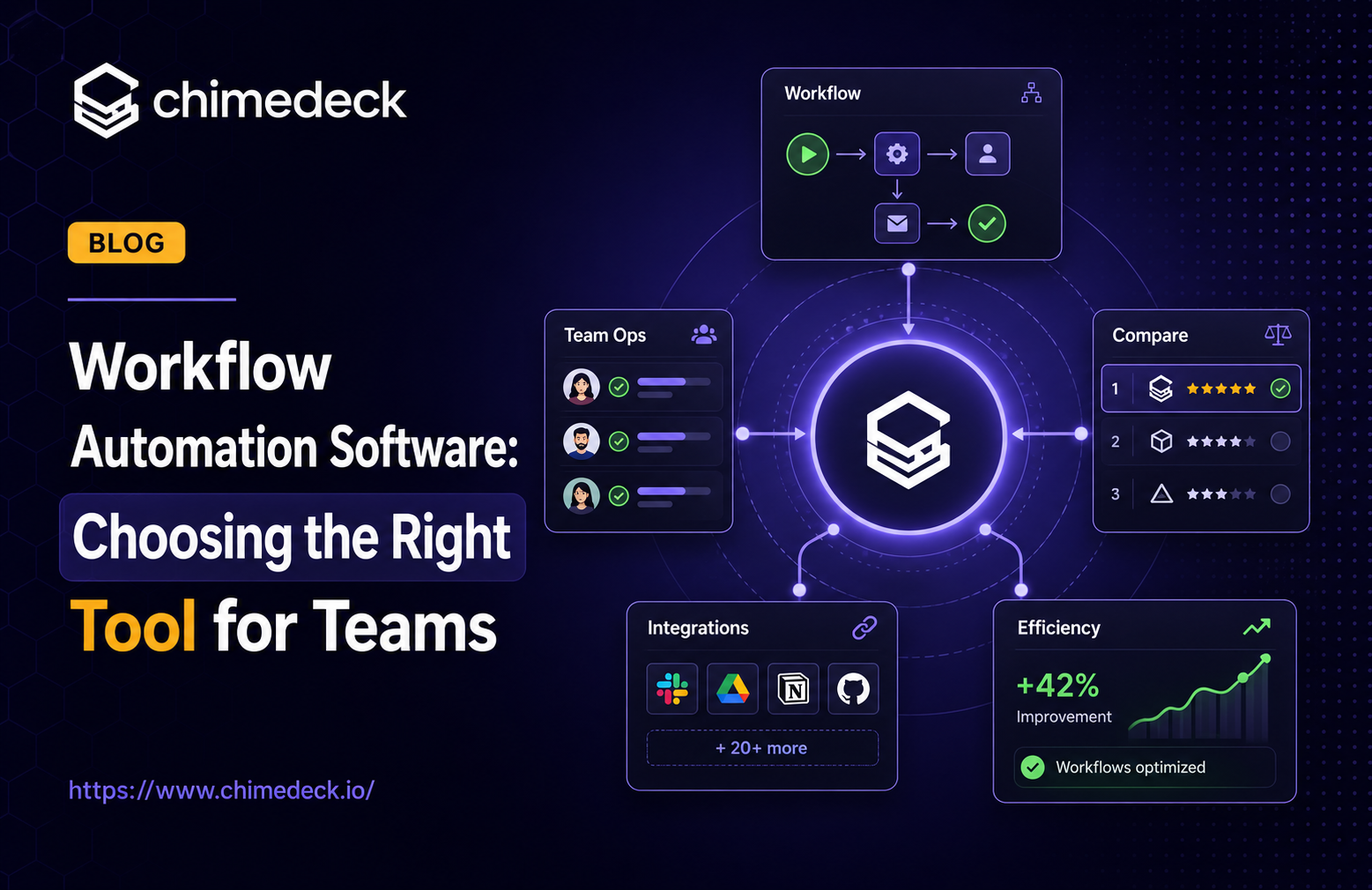
Choosing the Right Workflow Automation Software Tool for Teams
Evaluate workflow automation software for scaling teams. Learn how per-seat pricing affects costs, when to move beyond Trello, and why open-source platforms offer flexibility.
The way teams work has fundamentally changed. What once felt manageable with email chains, spreadsheets, and manual task lists now breaks down as organisations grow, workflows become more complex, and AI-generated work enters the day-to-day operating system of the business. Teams no longer need another isolated productivity tool. They need a structured workspace where people, tasks, automation, and AI agents can work together with clarity.
This is where Chimedeck stands apart. Built as an AI-native task management and workflow platform, Chimedeck helps modern teams coordinate work, automate repetitive processes, and turn scattered activity into structured execution. With MCP, API, and CLI support, Chimedeck is designed not only for human collaboration, but also for the next generation of AI-assisted workflows, where agents can read, create, update, and organise real work inside the team’s workspace.
For teams evaluating workflow automation software, Chimedeck offers a practical path forward: a clean task management experience, flexible workflow structure, AI-ready connectivity, and an open-source foundation that gives teams more control over how they build, scale, and automate their work.

The importance of Workflow Automation Software
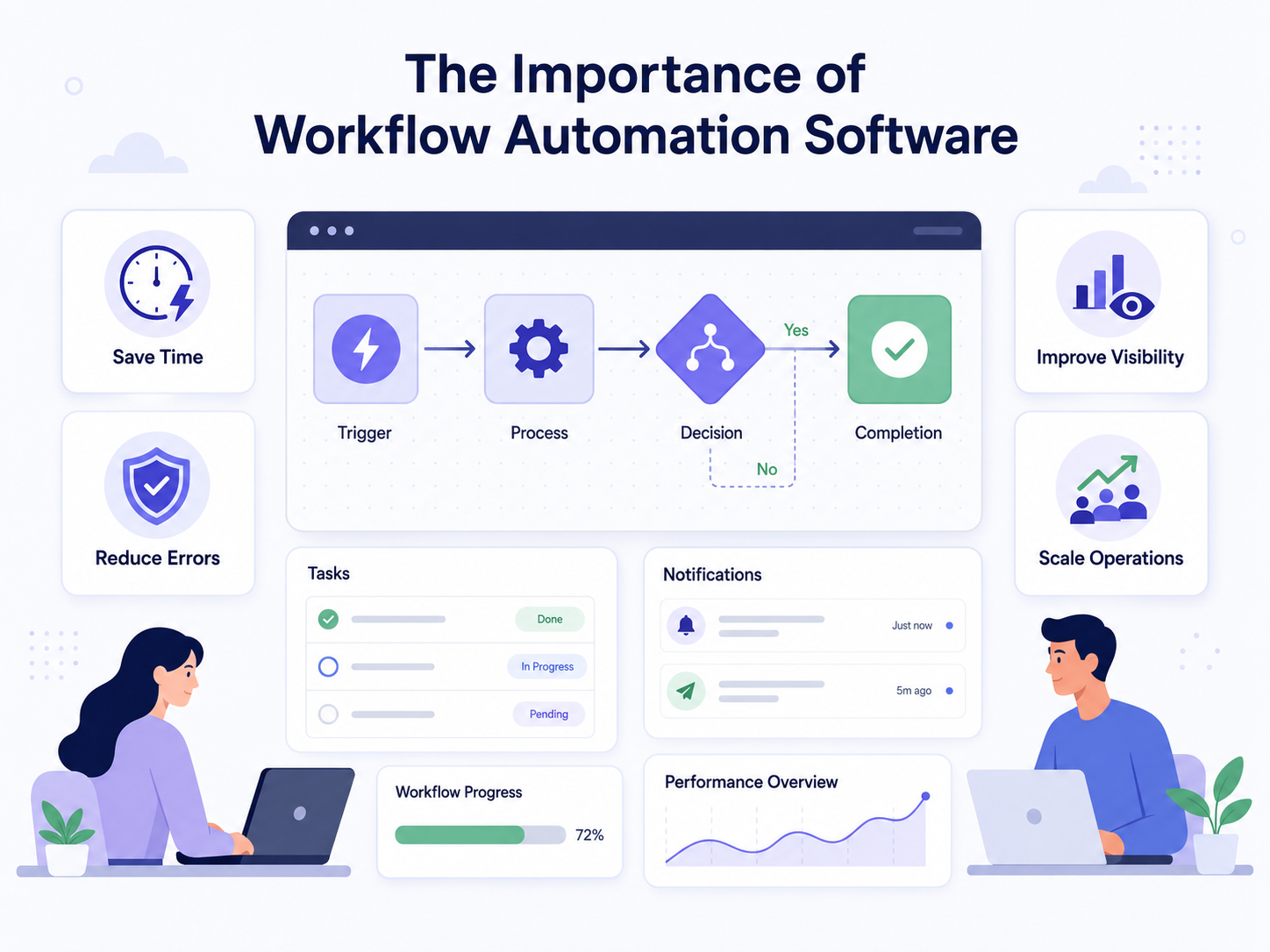
Workflow automation software has become essential for modern teams that want to work faster, reduce manual effort, and scale operations more effectively. Instead of spending time on repetitive tasks such as assigning work, sending reminders, updating task status, moving items between stages, or following up with team members, businesses can automate these processes and create a more consistent way of working. This helps reduce human error, improve accountability, and make project progress easier to track.
For startups, agencies, product teams, and growing companies, workflow automation software is especially important because it allows teams to do more with fewer resources. It gives everyone a clearer view of responsibilities, deadlines, and next steps, while freeing the team to focus on higher-value work such as strategy, execution, customer experience, and growth. The right workflow automation platform does not just save time; it helps teams build scalable systems that stay organized as work becomes more complex.
The real cost of team-based automation tools
The most overlooked cost factor in workflow automation software is per-seat pricing. A team using Trello as a free alternative, Asana, or Monday.com pays per user account. This creates a perverse incentive: as your team grows and needs more automation, the cost of the tool rises alongside headcount. At five people, it's manageable. At fifty, it becomes a budget line item that makes finance stakeholders uncomfortable. At five hundred, it becomes a question of whether you should build your own system instead.
This cost structure made sense twenty years ago when work automation software was shipped on disk and infrastructure was expensive. Today, it punishes growth. A team managing a hundred workflows on Monday.com might easily spend 2,000 to 5,000 pounds per month, regardless of whether they're using the tool to its full potential. That money compounds. It incentivises workarounds, disconnected systems, and spreadsheet chaos rather than true system-wide automation.
The financial pressure doesn't just affect large teams. Mid-market organisations like agencies, consulting firms, or product teams growing beyond their initial team hit the per-seat wall earlier than they expect. They end up with shadow tools (Zapier, Make, Integromat) running alongside the "official" platform because adding more people to the official tool costs too much.

=>>> Read More: AI Task Manager: Top Platforms & Implementation Guide
When tools stop matching how you actually work
Workflow automation software typically sits on a spectrum. On one end, you have lightweight tools like Trello that are deliberately simple: boards, lists, cards. On the other end, more sophisticated task management tools offer deeper customisation and automation capabilities, while enterprise platforms like Jira and ServiceNow require months to configure and dedicated administrators to maintain. Most teams spend their first year loving their tool, the second year hacking around its limitations, and the third year plotting their escape.
The problem is rarely that the tool is bad. The problem is that workflows aren't static. You start with a kanban board for sprints. Then you need to track dependencies. Then you need automation rules that trigger when cards move. Then you need to connect it to your CRM, your code repository, your time tracking system, and your invoicing platform. The tool was designed for the first scenario. It can technically handle the others, but each addition feels bolted on, fragile, and expensive.
This is where teams start asking whether they should build something custom. And many do. But custom systems have their own tax: they require engineering resources, ongoing maintenance, and knowledge that sits with specific people on the team. They don't scale horizontally. Sharing the system across departments or divisions becomes a project in itself.
Evaluating workflow automation software for your actual needs
When evaluating workflow automation software, most teams reach for feature checklists. Does it support custom fields? Can we automate this workflow? Does it integrate with our other tools? These are the wrong questions to ask first. Better questions:
What happens when we outgrow this tool? Can we export our data? Are we locked into a vendor's infrastructure? Can we extend the tool ourselves, or does every new requirement mean a support ticket and a wait?
How predictable are costs as we scale? If we go from 10 people to 100 people, does the cost scale with headcount, infrastructure, or stay fixed? Hidden costs appear quickly: support tiers, advanced features locked behind higher plans, and integration costs that weren't obvious in the trial period.
How flexible are the automation rules? Can we build the specific workflows our team needs, or are we constrained to pre-built templates? If requirements change, can we adapt quickly, or does that mean waiting for a feature release?
What's the learning curve for our team? Tools that require deep configuration knowledge create bottlenecks. If only one person understands how the system works, you're vulnerable to that person leaving, being unavailable, or becoming a permanent blocker on workflow changes.

=>>> Related Post: AI Project Management Software: Cost, Scaling, and Open-Source Alternatives
Why flexibility matters more than you think
The phrase "workflow automation software" often implies a pre-built solution that solves the problem out of the box. In reality, every team's workflow is unique. A marketing agency's project workflow looks nothing like a software development team's. A SaaS operations team's approval processes are different from a consulting firm's resource allocation system.
Generic tools handle 80 per cent of the problem well. They handle the remaining 20 per cent through painful workarounds, manual steps that defeat the purpose of automation, or acceptance that the tool doesn't quite fit and never will. Flexibility—the ability to adapt the system to match your workflow rather than adapting your workflow to match the tool—becomes critical at scale.
This is why organisations with complex, unusual, or rapidly evolving workflows often abandon commercial workflow automation software. They move to platforms designed for customisation: open-source tools that let them modify the code, or flexible systems built on APIs and plugins rather than fixed features.
There's also a philosophical difference. Software designed as a service assumes the vendor knows what you need. Software designed as infrastructure assumes you know what you need and gives you the tools to build it. For teams with sophisticated workflow requirements, the latter approach is more cost-effective, less frustrating, and more sustainable long term.
The case for open-source and cost-efficient platforms
Open-source workflow automation software has moved from experimental to mainstream. Chimedeck represents a different approach: unlimited users, flexible deployment, and no per-seat pricing wall. It's built for teams that have either outgrown traditional SaaS or recognise early that they will. As an open source Trello alternative, it offers the familiar kanban interface many teams know while providing the infrastructure control and cost predictability that makes it suitable for scaling teams.
Self-hosted solutions eliminate the cost-at-scale problem entirely. You pay for infrastructure, not for headcount. A team of 500 people costs the same to run as a team of 50 if the infrastructure is fixed. You also gain full control over your data, your workflows, and your customisations. If you need a specific automation that the platform doesn't provide, you can build it yourself or extend the system.
The trade-off is responsibility. You own the infrastructure, updates, backups, and security. That sounds daunting until you realise that most organisations with sophisticated workflow needs already have engineers on staff. The infrastructure overhead is often lower than the operational overhead of managing per-seat licenses, vendor support tickets, and integration hacks.
Open-source platforms also avoid vendor lock-in. If you later decide to move to a different system, switch hosting providers, or migrate your workflows, you're not trapped by proprietary data formats or restrictive export limitations. Your data stays yours.
About Chimedeck - MCP task management platform
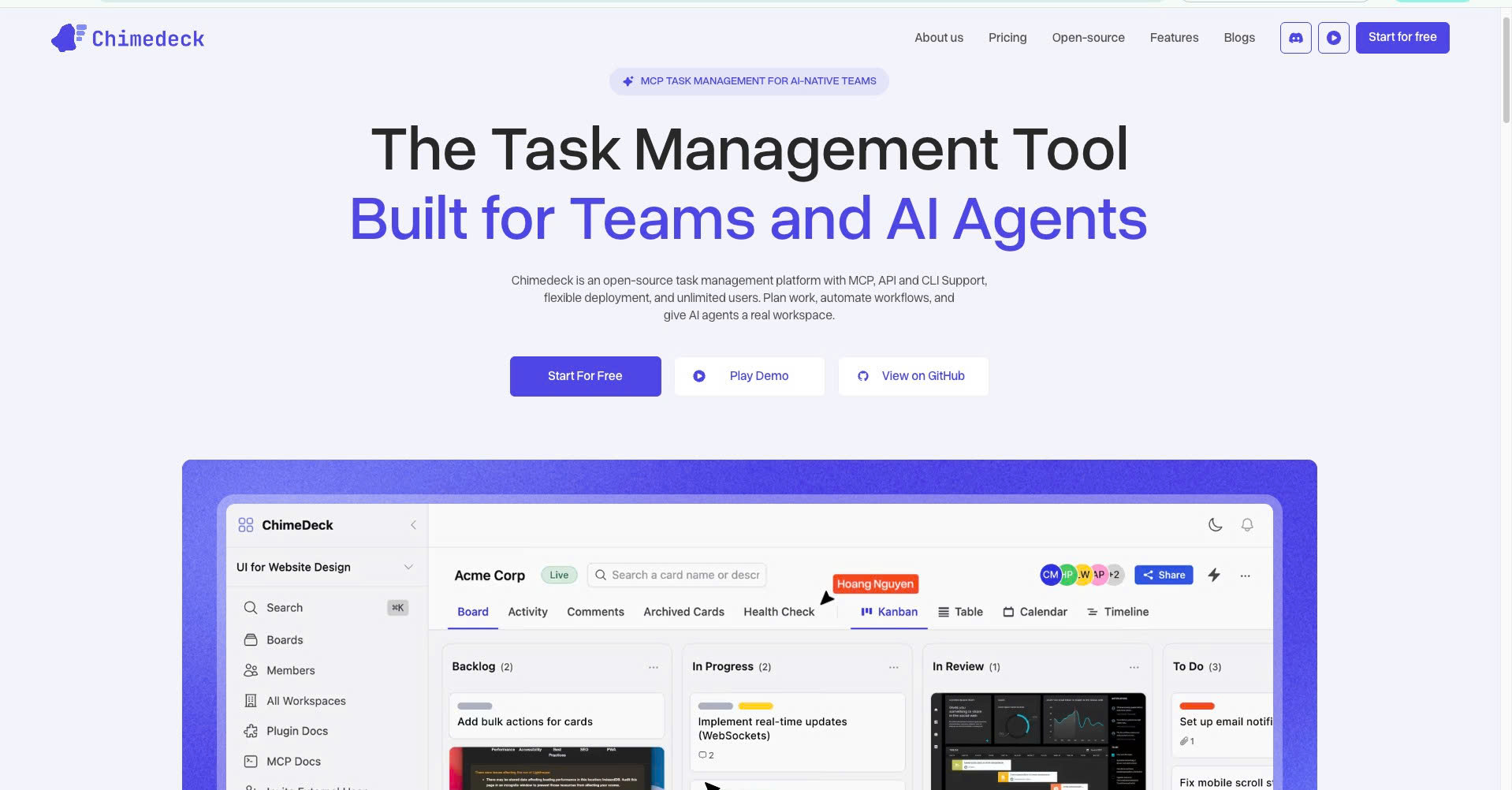
Chimedeck is a modern MCP task management platform designed for the emerging era of agentic work.
Powered by native MCP integration, Chimedeck allows organizations to connect AI agents directly to business workflows. Instead of operating in isolation, agents can collaborate with teams by creating tasks, tracking progress, updating project statuses, and executing workflow-driven actions within a centralized system.
Unlike traditional project management tools that primarily focus on human collaboration, Chimedeck is designed to support hybrid work environments where humans and AI agents contribute together. The platform includes flexible workflow management, Kanban boards, calendar planning, access controls, automation capabilities, and customizable processes that adapt to the needs of any organization.
Available as both a cloud-hosted and open-source solution, Chimedeck gives businesses the freedom to scale operations, customize workflows, and build AI-enabled processes without the constraints of rigid software ecosystems or seat-based pricing models.