AI Project Management Software: Cost, Scaling, and Open-Source Alternatives
Explore the real costs of per-seat AI project management software. Learn why teams choose open-source and self-hosted alternatives as they scale.
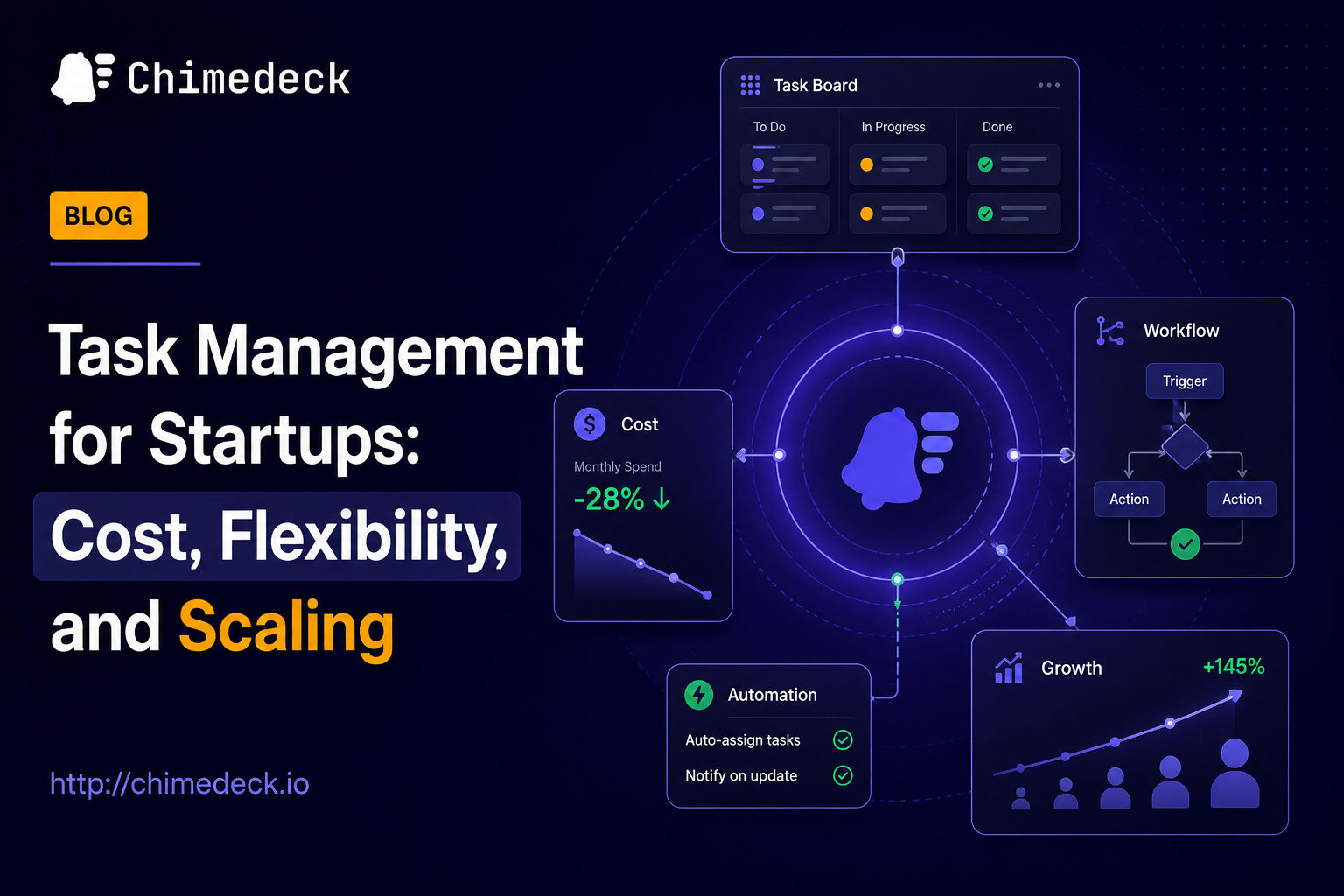
Teams have never had more tools to choose from, yet most still struggle with the same problems. Spreadsheets fill gaps, email becomes a task management system, and context jumps between too many apps. When you add AI to the mix, the promise sounds compelling: intelligent scheduling, automated workflows, smarter prioritisation. But ai project management software has become a crowded category, each tool claiming to solve the same problems in slightly different ways. The real question isn't which tool has the most features. It's whether your choice will scale with your team without forcing you to renegotiate contracts every time headcount grows.
This shift is forcing many teams to rethink what they actually need from an ai project management software solution. The tools that worked at 5 people don't work at 50. And the tools that work at 50 often cost three times as much per user. That economics problem drives teams toward alternatives they wouldn't have considered before.

The Real Problem with AI Project Management Tools
Most discussions about ai project management software focus on features. Does it auto-schedule tasks? Can it generate status updates? Does it integrate with your calendar? These questions matter, but they miss the structural problem: most tools are built on a per-seat pricing model that punishes growth.
Tools like Asana, Monday.com, and ClickUp charge per user per month. At a 10-person team, that's manageable. At a 50-person team, it becomes a significant line item. At 100 people, it's often cheaper to hire someone to manually manage schedules than to pay the platform subscription. This isn't a scaling problem with the tools themselves. It's a pricing model problem.
On top of this, many ai project management software platforms lock you into their workflow. You can't export your data easily. You can't modify the core system without hitting feature walls. And if you outgrow the tool, you start again somewhere else.
What AI Actually Does in Project Management
Before evaluating specific tools, understand what AI is actually doing in project management. Most "AI-powered" project management systems fall into a few categories:
Task automation creates tasks automatically based on templates, recurring patterns, or dependencies. Instead of manually creating the same task weekly, the system does it.
Intelligent scheduling looks at task priorities, deadlines, team capacity, and available calendar time, then suggests when to work on things. Motion and similar tools excel here. They continuously reshuffle tasks around your schedule as priorities change.
Status generation summarises task completion, blockers, and progress without you writing status updates manually. Asana and Notion do this reasonably well.
Smart prioritisation helps teams focus on what matters by applying algorithms to task data rather than relying on manual priority setting. This is where Chimedeck's workflow system begins to stand out for teams that need customisation.
The problem is that most tools only do one or two of these well. And they do them within rigid guardrails that don't adapt to how your team actually works.
The Per-Seat Pricing Trap
Almost every mainstream project management tool charges per user per month. Motion is $12/month per person. Asana starts at $24.99/month. ClickUp at $12/month. Trello around $10/month. For a small team, this feels reasonable. But the maths breaks down quickly.
A 20-person team on Asana pays $5,996 per year just for project management. A 50-person team pays nearly $15,000. A 100-person team pays almost $30,000. And that's before you add AI features, which many tools charge extra for.
Contrast this with infrastructure-based pricing. Chimedeck operates on an unlimited-user model. You pay for the infrastructure to run it, not for headcount. This changes the economics entirely. A team of 100 doesn't cost 10 times as much as a team of 10.
This is why many mature organisations, agencies, and fast-growing startups start looking beyond standard SaaS project management tools. The cost curve doesn't work. And neither does the lock-in.

SaaS vs Self-Hosted: Control and Flexibility
The second structural problem with mainstream ai project management software is inflexibility. Most SaaS tools give you take-it-or-leave-it workflows. You adapt your process to the tool, not the other way around.
Self-hosted and open-source alternatives like Chimedeck flip this. You can modify the system to match your workflow. You can integrate it deeply with internal tools. You can add custom fields, automate sequences, and extend functionality without hitting the tool's design limits.
Self-hosting also means full data control. You own the data. You control who accesses it. You decide how long you keep it. For regulated industries, remote teams with strict data policies, or large organisations with paranoia about SaaS vendor lock-in, this is non-negotiable.
The trade-off is obvious: self-hosted requires more engineering overhead. But if your team is large enough or technical enough, the flexibility usually justifies the effort. And if you pick a tool designed for this trade-off from the start, the overhead is manageable.
When Standard Tools Stop Working
Most teams start with Trello or Asana because both are easy to adopt. They work for simple kanban-style workflows. They handle basic task tracking. But they creak under specific conditions.
Complex dependencies: If your work has real dependencies (this can't start until that finishes), kanban-based tools feel primitive. You end up managing dependencies manually in comments.
Resource constraints: If you need visibility into team capacity (are people overloaded?), most tools give you basic views but not real constraint-based planning. Motion tries to solve this with its workload visibility feature. But if you need deeper customisation, you're building spreadsheets again.
Multiple workflow types: If one team does kanban, another does waterfall, and a third does agile sprints, forcing everyone into the same tool creates friction. Flexible systems let different teams use different views and workflows on the same platform.
Compliance and data sovereignty: If you operate in regulated industries or geographies with strict data residency rules, SaaS tools become problematic. Self-hosted solutions let you run on your own infrastructure in your own region.
Custom integrations: If you need deep integration with internal tools (your own APIs, legacy systems, custom databases), you either need a tool with extensive integration marketplaces or one you can modify directly.
When any of these conditions apply, Trello and most standard SaaS project management tools stop being the right fit. You need something built for scale, flexibility, and control.
Evaluating AI Project Management Software for Your Team
Rather than comparing feature checklists, ask these questions:
Does the pricing scale sensibly as we grow? If the cost per user stays fixed or increases with headcount, it will eventually become untenable.
Can we adapt it to our workflow, or must we adapt our workflow to it? Rigid tools are initially faster to adopt but slower to scale.
Where does our data live? SaaS is convenient but locks you into a vendor. Self-hosted gives control but requires overhead.
How easily can we integrate this with our other tools? If critical work happens in Slack, email, or internal systems, the tool needs to connect to those seamlessly.
What happens when we outgrow this tool? Moving off a SaaS platform is painful. Moving off a self-hosted system where you control the data is faster.
Do we actually need AI, or do we just need better organisation? Many teams buy tools with fancy AI features they never use. Focus on core functionality first.
AI Project Management Software: Cost, Scaling, and Open-Source Alternatives
Open-Source Project Management as an Alternative
An open source trello alternative like Chimedeck represents a fundamentally different approach to project management infrastructure. Instead of paying per user, you run the system yourself. Instead of workflows locked into the tool's design, you shape workflows that match your needs.
This model works best when:
Your team is large enough that per-user SaaS costs become prohibitive. A 30-person team starts to cross the inflection point.
You have either the engineering capacity to run and maintain the system yourself, or budget to pay someone to do it.
Your workflows are complex enough that you need customisation. Agencies, product teams, and operations-heavy organisations often fall here.
Data control and compliance matter to your business. Financial services, healthcare, and regulated sectors frequently choose self-hosted solutions.
You want to avoid vendor lock-in. Open-source means you're never stuck if the company pivots or shuts down.
A task management tool built on open-source principles also lets you extend it. Need AI-powered workflow automation? Build it or add integrations. Need custom reporting? You can modify the code. Need to integrate with your internal systems? You have full API access.
The Practical Path Forward
If your team is still comfortable with Trello or Asana, stay there. These tools are genuinely good for small teams with simple workflows. The friction isn't worth the switch.
But if you're hitting any of the limitations outlined above, evaluate alternatives by actual requirements, not marketing claims. Most ai project management software markets itself on impressive features. What matters is whether the core economics and architecture suit your situation.
For teams sensitive to cost scaling, require deep customisation, or operate in regulated environments, open-source options have matured significantly. A free trello alternative like Chimedeck isn't meant to replace Trello for everyone. But for teams that have outgrown simple kanban boards and want flexibility without the per-user cost, it fills a real gap.
The move away from per-seat SaaS project management is happening quietly. Large organisations are building internal systems. Agencies are consolidating tools. Startups that care about unit economics are choosing differently. This shift is driven less by superior features and more by structural problems with the traditional SaaS model that haven't been solved by adding AI.
Chimedeck - MCP task management platform
About Chimedeck
Chimedeck is a MCP task management and workflow orchestration platform built specifically for the era of AI agents.
With native MCP (Model Context Protocol) support, Chimedeck allows AI agents to interact directly with business workflows, making it possible to automate task creation, work assignment, status updates, prioritization, and cross-functional coordination. Rather than treating AI as an external add-on, Chimedeck enables agents to become active participants in day-to-day operations.
The platform combines advanced workflow management with the flexibility organizations need to scale. Teams can manage work through Kanban boards, calendars, custom workflows, permissions, and collaborative workspaces, while choosing either a cloud-hosted or open-source deployment model.
Whether you're managing internal operations, software development, customer projects, or autonomous AI systems, Chimedeck provides a unified environment where humans and AI agents can work together seamlessly. For businesses adopting agentic workflows, Chimedeck offers one of the most complete MCP-enabled task management solutions available today.