How to Prioritise Tasks Effectively - Workflow Systems Guide
Learn how to prioritise tasks using proven frameworks and workflow systems. Discover why tools matter for managing priorities at scale and building effective team systems.
Getting things done isn't about working harder or longer. It's about working on the right things. The challenge with how to prioritize tasks lies not in choosing between what matters and what doesn't, but in building a system that keeps you from drowning in what feels urgent when the truly important work gets sidelined.
Most teams fall into the same trap. Everything lands on your desk with equal weight. Emails demand immediate responses. Meetings fill calendars. Deadlines that should be scheduled six months out suddenly appear with one week to go. By the time you realise what actually moved the needle, half your week is gone. The problem isn't your discipline or your to-do list app. The problem is that you're operating without a framework that separates signal from noise.
Why Prioritization Fails at Scale
When teams are small, prioritization happens through conversation. Someone says "this matters," and everyone knows why. But as teams grow, that clarity evaporates. What one person sees as critical, another sees as background noise. Deadlines stack without visibility into what came before or what comes next.
The standard answer is to use frameworks. The Eisenhower Matrix divides tasks into four quadrants based on urgency and importance. The ABC method labels tasks A (must do), B (should do), C (nice to do). These frameworks work in isolation. But in practice, they collapse under real pressure. When a client calls at 2 PM with a new request, you don't have time to plot it on a matrix. You make a gut call, and the call is usually wrong. The problem isn't the frameworks themselves. The problem is trying to manage prioritization in a system that wasn't designed to support it. When your task management tool treats everything the same way, frameworks become busywork instead of clarity.
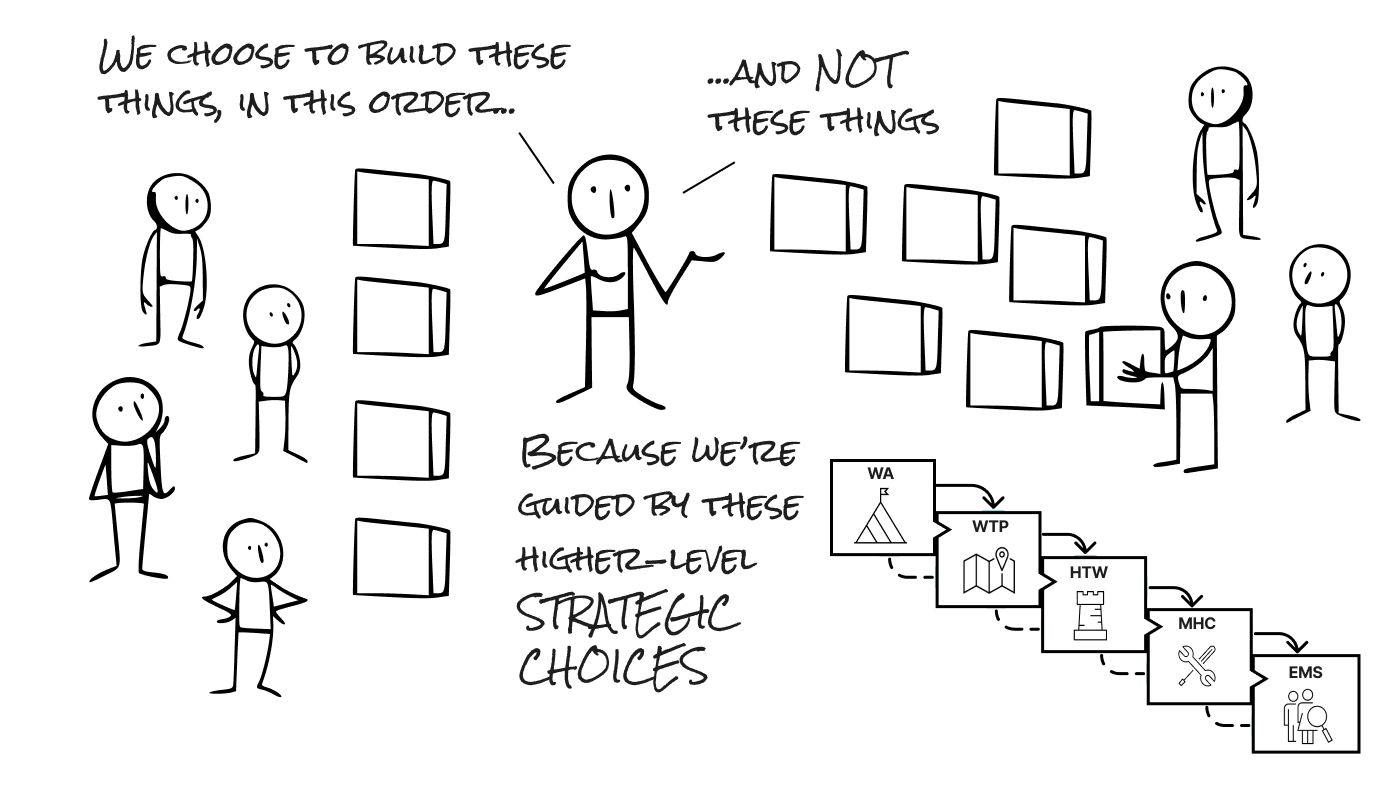
Without context, prioritization becomes arbitrary. You can't decide what matters if you don't understand what the work is for. Is it moving toward a strategic goal? Does it create downstream work? Will it matter in six months?
=>>> Read More: Task Prioritization Techniques for Scaling Teams
Importance and Urgency Aren't the Same Thing
The Eisenhower Matrix got one thing fundamentally right. Urgency and importance are independent dimensions. A task can be urgent and unimportant. A task can be important and not urgent. The gap between these two is where most teams waste energy.
Urgent work feels like it matters because it demands immediate attention. An email needs a response. A meeting is happening now. A deadline is tomorrow. Urgency creates pressure, and pressure feels like priority. But urgency is often noise. Someone else's planning failure becomes your crisis. A minor request gets treated like a blocker. You respond to the squeakiest wheel instead of the heaviest lift.
Important work is different. Important tasks move toward goals. They reduce future chaos. They build capability. They often have soft deadlines or no deadlines at all, which means they're easy to push aside when something urgent arrives. This is where the system breaks. Teams sacrifice the important on the altar of the urgent, then wonder why they never ship things that actually matter.
The best teams reverse this dynamic. They protect time for important work first, then fit urgent work around it. Without clarity on what "important" means, you have no anchor to hold against the constant pull of urgency.
How to Prioritize Tasks Without Breaking Your System
Effective prioritization has three layers: clarity, visibility, and discipline. You can't prioritise without understanding your goals. You can't sustain priorities without seeing them. You can't execute priorities without saying no to everything else.
Start with clarity. Define what success looks like for your team or project. If you're a product team, success might be increasing user retention or reducing churn. If you're running an agency, it might be delivering projects on time and maintaining margins. If you're a scaling startup, it might be hiring key roles and securing funding. Whatever it is, write it down. Every task you consider should ladder up to this. Notion and similar tools have made it easier to document these definitions, but documentation alone doesn't create accountability—your system needs to enforce it through workflow design.
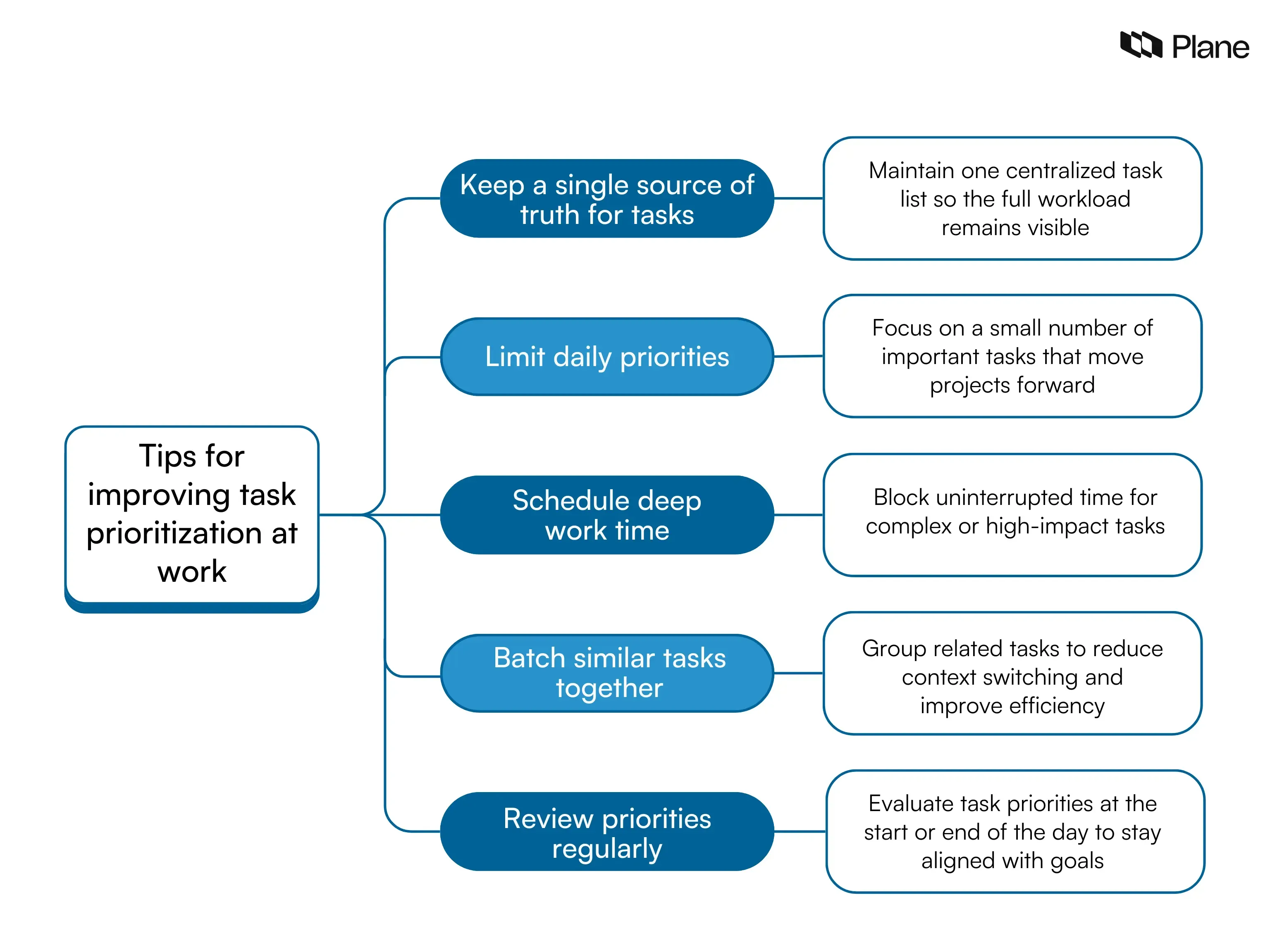
Break your tasks into two buckets: strategic (aligned with goals) and tactical (operations). In the strategic bucket, rank by impact—which three things move the needle most? Those are your priorities. In the tactical bucket, sort by dependency. Which tasks unblock other people? Do those first.
=>>> Related Post: Task Organisation Methods for Growing Teams
This sounds simple, but it's radically different from most approaches. You're not trying to do everything. You're trying to identify the smallest set of work that unlocks the largest outcome. The hard part is discipline. When a new request lands, you need a clear answer: Does this replace something on the current list, or does it get added to the backlog? Instead of saying yes to both (which is the same as saying no to priorities), adopt a simple rule. New requests go to a backlog and get assessed at a fixed cadence. You only add to the priority list when something finishes. This forces conversations about what actually matters.
How Your Workflow Tool Shapes What You Prioritise
Most teams treat their project management tool as a database: a place to dump tasks, track status, assign work. But your tool is also a frame that shapes how you think about work. If it's easy to create tasks but hard to connect them to goals, you end up with an unmotivated list. If it's expensive per person, you create scarcity around visibility, which fragments priorities across the team.
Consider what kind of prioritisation your tool encourages. Can you see all work in one place? Can you connect tasks to goals? Can your team use it without per-seat licensing that penalizes growth? Open source workflow platforms offer unlimited users and full team visibility without scaling costs.
The underlying principle matters more than the tool. You need something that makes it trivial to capture work, easy to see dependencies, and natural to align tasks against goals. You need full visibility for the whole team without cost friction as you scale. And you need enough flexibility to adapt the system as your priorities evolve. A self-hosted workflow system that gives you control over how priorities are managed can be a game-changer for teams that have outgrown standard SaaS solutions.
Teams that master prioritisation tend to be teams that can see their full workload at once, understand how tasks connect, and quickly distinguish between what matters and what's just urgent noise. The tool should support this, not get in the way. Trello revolutionised how teams visualise work, but even kanban approaches benefit from deeper integration between priorities and workflow when scaling beyond small teams.
Prioritisation in Practice
Perfect prioritisation is impossible. Requirements change. Crises arrive. But you can get close enough to make a real difference by making decisions intentionally instead of reactively.
Start with a single question: If you could only do three things this week, what would move your project forward most? Your answer should guide everything else, shape how you spend your time, determine what you say yes to, and be visible to your whole team.
Teams that do this well share key characteristics: they capture all work in one place, review priorities at a regular cadence, have the discipline to say no, and use tools that support these behaviours.
As your team grows, the cost of poor prioritisation compounds. Duplicate work happens when people can't see what others are doing. Dependencies get missed when tasks aren't connected. Burnout happens when people can't see the bottom of their backlog. But when how to prioritise tasks is clear and well-supported by your systems, it changes everything. Work flows faster. People understand why they're doing what they're doing. The team feels less chaotic.
===> See More: Time Management vs Task Management: Why Both Matter
Frequently Asked Questions
How do I prioritise when everything feels urgent?
Ask which tasks would cause the most damage in 30 days if ignored. Rank by that. Urgency is often about visibility, not impact—things feel urgent because they're in front of you, not because they matter most.
Should I prioritise by deadline or impact?
Both, but in order. First identify hard deadlines, then sort those by impact. For soft or no deadlines, flip it: sort by impact first. This prevents firefighting endless low-impact urgent work while important work stalls.
How do I get my team to stick to priorities?
Make priorities visible and revisit weekly. When someone proposes new work, ask what comes off the list to make room. Most teams skip this, so "priorities" become fiction. Make the trade-off visible and priorities become real.
What happens to work that doesn't make the priority list?
It goes to the backlog. Review the backlog weekly and pull up the next highest-impact items as space opens. This creates a transparent system and prevents random work from derailing priorities.