Trello Review: Honest Evaluation for Scaling Teams
Comprehensive Trello review examining features, pricing, limitations at scale, and open-source alternatives for teams outgrowing visual task management.
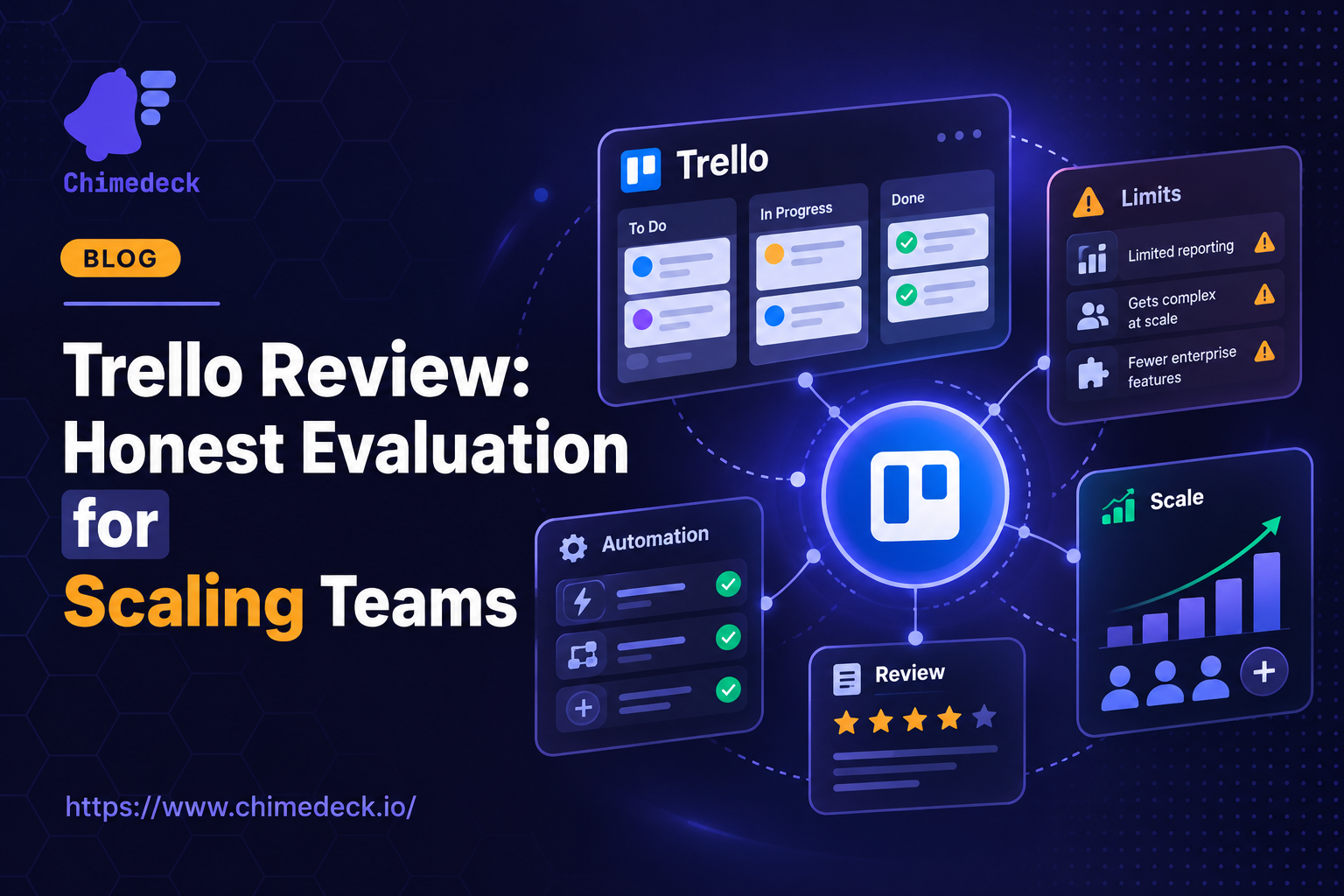
When evaluating project management tools, a trello review often comes up as the starting point for teams exploring visual task management. Trello's kanban-style interface has become the industry standard for how teams visualize work, yet the conversation around trello review has shifted significantly in recent years. Teams are no longer just asking whether Trello works, but whether it scales, costs too much, and whether its closed architecture limits what you can actually build.
The reason trello review matters isn't about Trello's features—those have stayed largely consistent for over a decade. It's about understanding what workflows Trello was built for, and what happens when your team outgrows them.
What Makes a Trello Review Matter
A serious trello review isn't just about listing features. It's about understanding the constraints. Trello's core product—boards, lists, cards, drag-and-drop—solves a specific problem: making task visibility simple. For teams new to structured work processes, Trello is intuitive. There's no complex hierarchy, no role-based permissions to configure, no steep learning curve.
But as teams grow, priorities shift. A trello review from the perspective of a five-person startup looks entirely different from one conducted by a scaling agency managing multiple clients. The constraints that were features for a small team become friction points for larger operations. Performance degrades with hundreds of cards. Customisation becomes tedious. Pricing per user starts to sting when your team doubles.
Any trello review worth reading needs to address these scaling dynamics. Most don't.
Trello's Strengths and Ideal Use Cases
Trello excels at what it was designed for: lightweight task tracking with visual clarity. If your team is managing a content calendar, sprint planning, or creative brainstorming, the drag-and-drop interface is genuinely effective. Labels, checklists, and due dates cover most basic workflow needs. Integrations with Slack, Google Drive, and other tools are solid.
The real strength of Trello is its accessibility. Non-technical team members can start using it immediately. There are no permissions to negotiate, no configuration steps. You create a board, add a list, and you're done. This low friction is why Trello became a default first choice for many teams.
Trello is genuinely good for small teams, freelancers, and projects with predictable, sequential workflows. If you don't need advanced automation, complex dependencies, or sophisticated reporting, Trello delivers. The pricing on small teams is reasonable. Setup takes hours, not weeks.
Where Trello Starts to Break Down
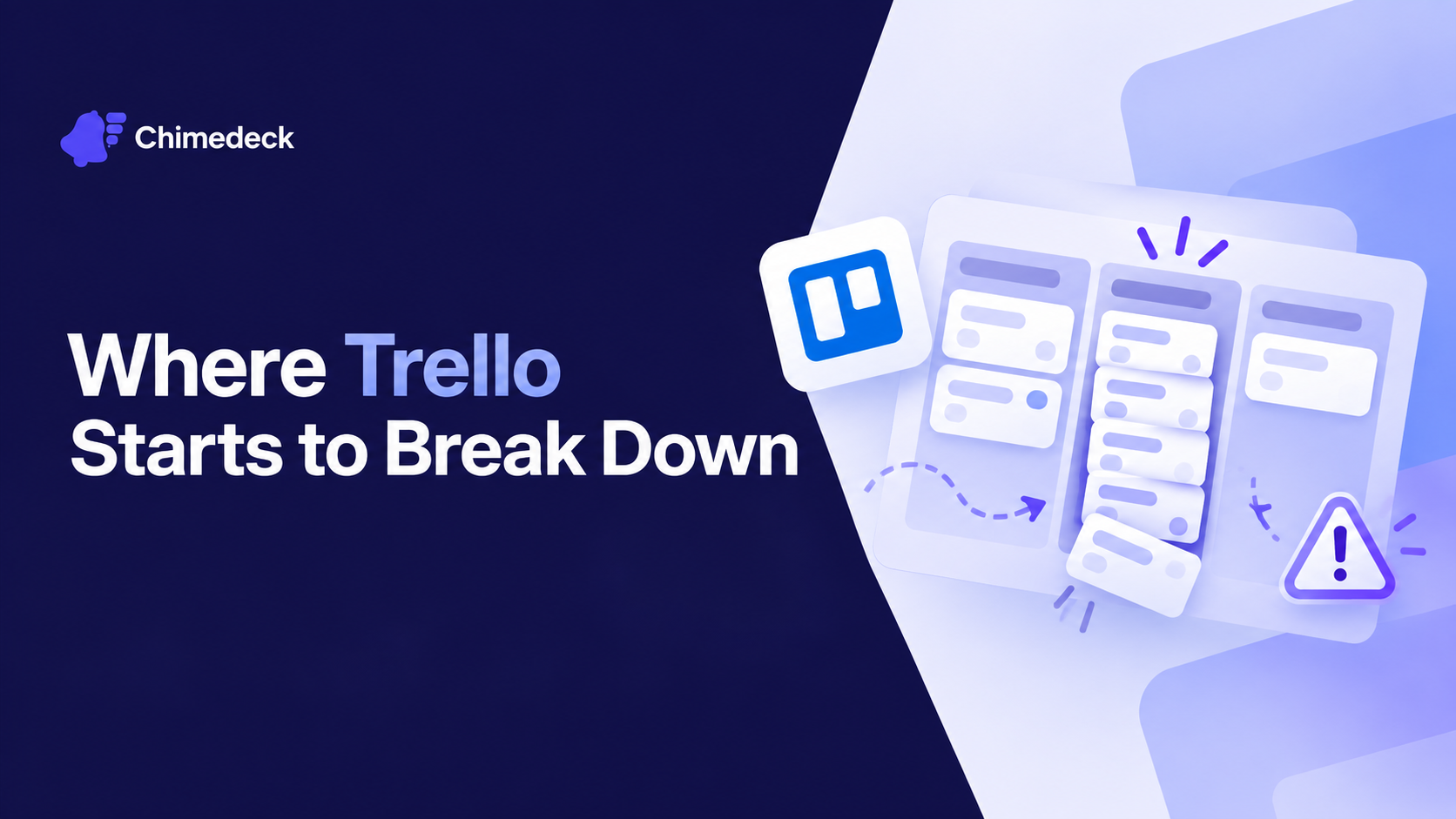
The limitations emerge when Trello encounters real operational complexity. A common trello review problem emerges around the lack of native scheduling. If you're managing shifts, assigning work based on availability, or coordinating across multiple teams, Trello can't help. You'll resort to workarounds: custom fields, labels for availability, manual card movement. The tool becomes a coordination overhead instead of a leverage point.
The absence of task dependencies is another gap. Trello can't tell you which cards block others. It can't show you critical path. If your team works on sequential projects where one task depends on completion of another, Trello forces you to track this externally. You'll track dependencies in a spreadsheet or risk losing visibility entirely.
Advanced automation is similarly limited. Trello's Butler automation is useful for simple rules—move a card to Done after a checklist is complete—but it can't handle complex workflow logic. You can't build conditional automation that says, "If this card is assigned to person X and marked urgent, then notify Y and Z." That's where you'd need to layer in Zapier or custom development, adding cost and complexity.
Reporting falls into the same category. Trello's Dashboard view is read-only summary charts. It can show you how many tasks are in each column or assigned to each person, but it can't give you trend analysis, cycle time reporting, or predictive insights. For teams building operational visibility, this is a significant gap.
The mobile experience is functional but not first-class. For field teams or remote workers, Trello feels like a web app squeezed onto a phone. There's no offline capability for true offline-first work, no GPS integration, no time tracking baked in. These are modern operational requirements that Trello simply doesn't address.
Cost at Scale: The Hidden Problem
One aspect of any honest trello review is pricing dynamics. Trello's model is straightforward: free tier with limitations, then $5 to $10 per user per month depending on features. For a five-person team, this is fine. For a 50-person team, it's $2,500 to $5,000 monthly. For a 100-person team, it becomes $5,000 to $10,000 per month.
At that scale, teams start calculating the actual cost of service. You're paying not just for task management, but for the privilege of staying within someone else's system. You can't modify the interface. You can't adjust how boards work. You can't extend functionality without external tools. And if Atlassian decides to change the product, you're along for the ride.
Scaling teams often ask: what if we built this ourselves? The answer is usually prohibitive. But the question itself reveals the tension with per-user SaaS. The pricing model assumes the user count stays stable. Real teams grow, merge, contract, and reorganise. A tool that costs more when you add team members creates friction with growth.
This is where open source Trello alternatives become interesting. If you self-host, you're not paying per user. You're paying for infrastructure. The cost structure flattens as your team grows, and you retain control over customisation.
Self-Hosted and Open Alternatives
The trello review conversation has evolved because viable alternatives now exist. Some teams have moved to open-source tools that offer kanban workflows without the per-user licensing model. These tools give you control—complete control. You manage the deployment, the data, the customisation. There's no vendor lock-in.
What makes self-hosted tools different is architectural freedom. You can extend them. You can integrate them directly with your internal systems. You can build custom workflows that match your actual operations, not the other way around. You can add AI-powered automation that's native to the system, not bolted on through a third-party service.
For agencies managing multiple clients, this is transformative. Instead of managing separate Trello workspaces and paying per person across all of them, you can run a single unified system that handles all clients at one flat cost. For enterprises with strict data control requirements, self-hosting eliminates the compliance risk of SaaS.
The tradeoff is obvious: self-hosting requires more operational overhead. You manage updates, backups, security patches. You're responsible for uptime. That's fine for teams with technical capacity. For teams without it, Trello remains the pragmatic choice.
But the emerging question in modern trello reviews is whether the operational overhead of self-hosting is actually higher than the cost and friction of managing a per-user SaaS platform at scale. Many teams are finding the answer is no.
Chimedeck - MCP task management platform
Chimedeck is an open-source project management platform that operates on a different set of assumptions. Unlike Trello's per-user model, Chimedeck charges based on deployment infrastructure, not headcount. You get unlimited users by default. This shifts the economics entirely. Whether your team is ten people or a hundred, the cost structure remains flat. For agencies managing multiple projects and clients, Chimedeck eliminates the pricing friction that makes Trello expensive at scale.
The platform combines kanban-style boards with flexible workflow automation and AI-driven capabilities. Instead of requiring external tools to handle complex operations, Chimedeck embeds automation directly into the system. You can build conditional logic, time-based triggers, and intelligent task routing without leaving the platform. This makes it particularly effective for teams that have outgrown Trello's simplicity but don't want the complexity of enterprise project management tools.
Deployment flexibility is where Chimedeck's open-source model shows its value. You can self-host on your own infrastructure, use a private cloud, or choose managed hosting. This control over data and infrastructure appeals to regulated industries, security-conscious organisations, and teams that simply prefer not to depend on external SaaS providers. When you're managing sensitive client work or operating in sectors with compliance requirements, keeping the system under your control matters.
How to Approach a Trello Review Today
If you're evaluating Trello for a new project, be specific about your constraints. Will your team grow significantly? Do you need complex automation? Are you managing multiple teams or clients? Will you need to extend the system beyond Trello's current features? These answers should shape your decision.
If you're managing a team that's outgrown Trello, the question isn't usually whether to stick or switch. It's what you're willing to trade off. The simplicity you've gained from Trello comes with the cost of reduced control and increasing per-user expenses. Some teams accept this and move up to more complex platforms. Others discover that the operational overhead of self-hosting an open-source alternative is worth the control and cost savings.
The honest conclusion of any trello review for scaling teams is this: Trello remains an excellent first choice for simple workflows. But for teams with operational complexity, multi-client management, or significant growth ahead, the alternatives have matured. The tradeoff between simplicity and control is now genuinely up to you, not determined by tool availability.