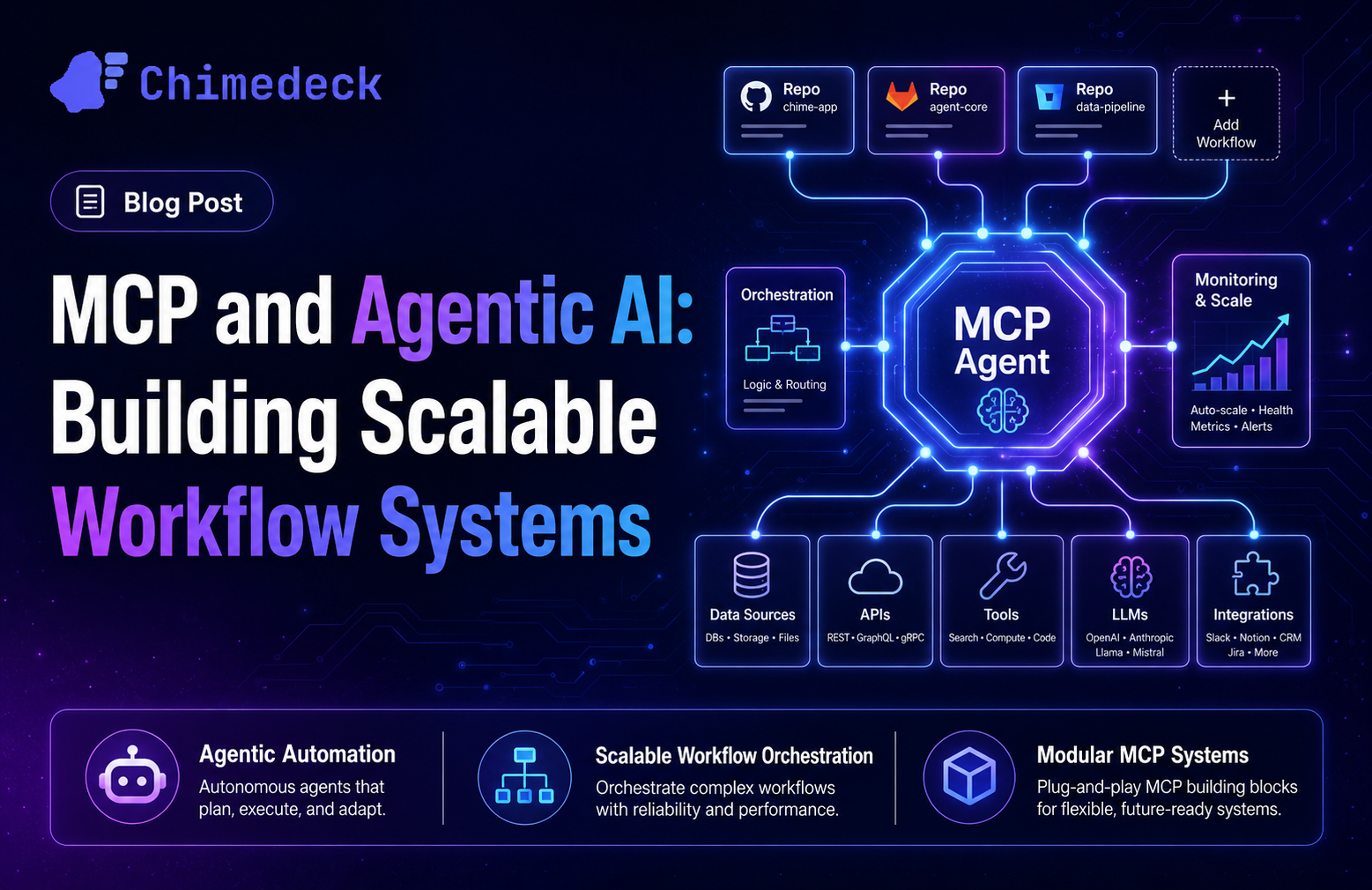
Trello Alternative for Developers: Open-Source, AI-Powered Workflows
Discover why developers are moving from Trello to open-source alternatives with unlimited users, AI-powered automation, and self-hosted options. Compare cost models, flexibility, and control.
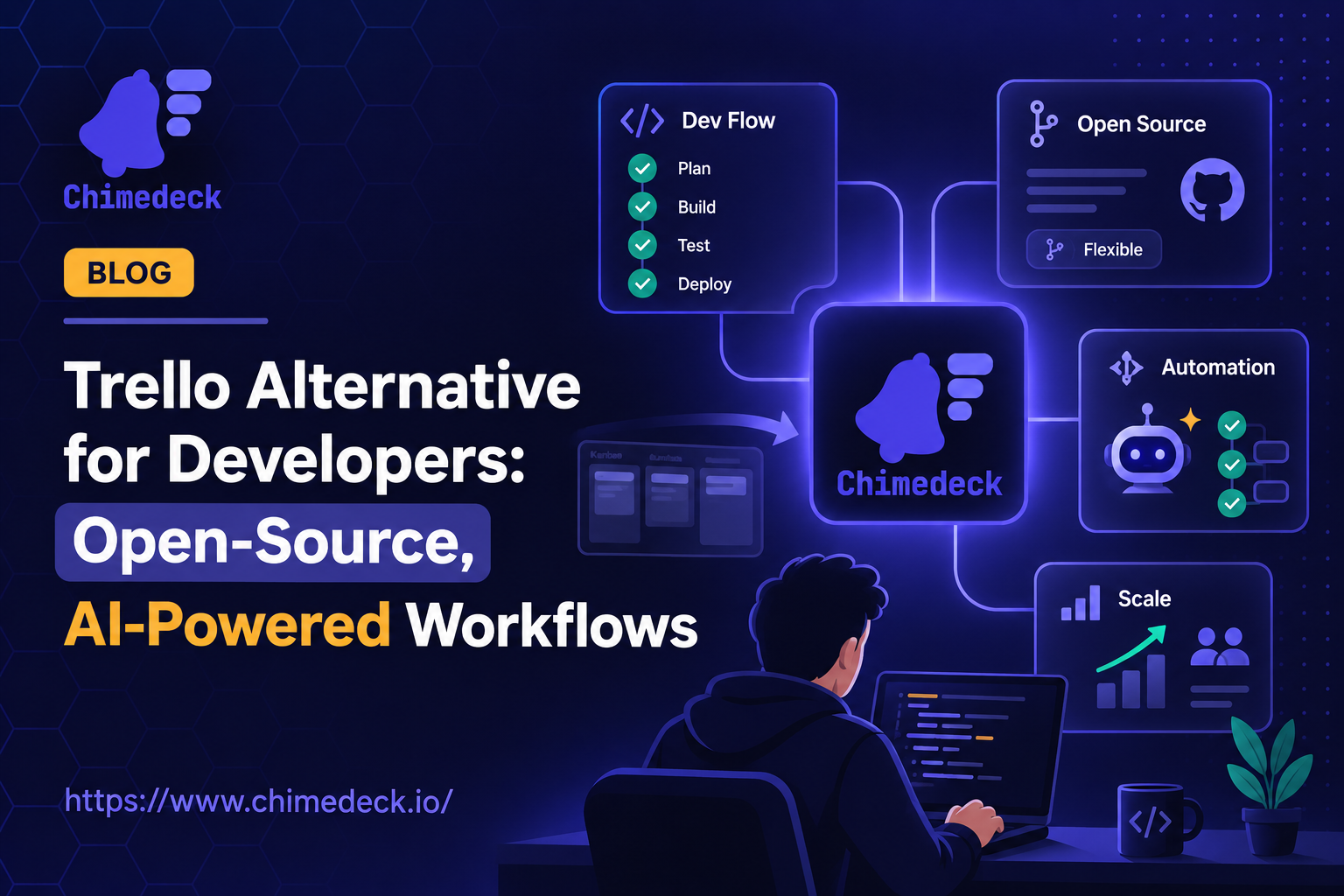
Trello has served teams well for nearly a decade. Its kanban boards are intuitive, lightweight, and require almost no setup. For simple task tracking, it remains unbeatable. But there's a reason thousands of teams search for a Trello alternative for developers each month. As projects grow, teams expand, and workflows become more complex, Trello's simplicity transforms into constraint. Developers especially feel this friction: Trello lacks the depth for managing dependencies, tracking technical debt, coordinating across systems, or automating repetitive work. The moment you outgrow basic task shuffling, you need a tool built for real workflow complexity.
The challenge isn't finding an alternative. It's finding one that actually solves the problems causing you to leave Trello in the first place. Most alternatives simply add more features without addressing the structural issues: unsustainable per-seat pricing, vendor lock-in, inflexible architecture, or poor automation. This is where a different breed of tools emerges. Open-source, cost-efficient, and AI-native project management platforms designed for teams that need control, scale without cost friction, and workflows that adapt to how you actually work.
What Developers Actually Need from Project Management
Developer teams operate differently from marketing or sales. Your projects involve technical dependencies, code reviews, deployment pipelines, and infrastructure decisions. You need visibility across multiple interconnected systems. You need to track not just tasks, but blockers, technical decisions, and why certain choices were made. Trello doesn't support this. Its flat card model works for simple workflows but collapses under the weight of complex, interdependent work.
Developers also value speed and automation. Manually updating statuses, reassigning cards, and coordinating across tools wastes engineering time. A Trello alternative for developers should embed automation directly into the workflow system, not require integrations with external platforms like Zapier. It should understand technical concepts like sprints, backlogs, dependencies, and progress tracking without forcing you to build custom workarounds.
Beyond day-to-day task management, modern development requires flexibility. Different teams—platform, product, infrastructure—have different workflows. A tool that forces a single workflow onto teams creates friction. Similarly, if your tool can't evolve as your architecture changes, you'll outgrow it within months. This is why developers increasingly favour open-source tools and self-hosted alternatives. They offer the control and customisation that proprietary SaaS platforms cannot match.

Why Per-Seat Pricing Breaks Growing Teams
Trello's business model uses per-seat pricing. It sounds reasonable until your team grows. Hire ten engineers, and your monthly cost doubles. Scale to fifty, and the bill becomes difficult to justify against outcomes. For a mature engineering team, this model becomes absurd. You're paying escalating costs for the same functionality as team size changes, with no benefit to your team.
This is a structural problem with SaaS tools broadly. Their unit economics depend on charging more as you scale. They have no incentive to offer truly unlimited plans because growth becomes their cost centre. The alternative model exists: unlimited users, predictable infrastructure-based pricing. This removes cost friction from hiring and scaling. A team of 200 engineers pays the same as a team of 50, as long as infrastructure scales with workload, not headcount.
For growing startups and agencies managing multiple clients, per-seat pricing becomes prohibitive. An agency with 50 employees managing 20 client projects faces explosion in tool costs as projects grow. Teams begin cutting seats or removing people from tools altogether. Information silos form. Decisions get made in Slack instead of documented systems. The tool meant to improve coordination becomes an obstacle to it.
Open-source and self-hosted solutions sidestep this problem entirely. You deploy once, pay fixed infrastructure costs, and add users without per-seat penalties. This model appeals to teams that have experienced SaaS fatigue or operate in regulated industries where data residency matters more than vendor features.
The Case for Open-Source Workflow Tools
Open-source software means your project management system isn't subject to a vendor's roadmap or pricing changes. You own the code. You can audit it, modify it, and deploy it however you choose. For engineering teams, this control is essential. You can integrate with internal systems, extend functionality to match your specific workflow, and migrate data freely if circumstances change.
Vendor lock-in is real. Companies that bet their operations on proprietary tools often discover they're trapped. When pricing increases, features decline, or the product direction shifts away from your needs, you have limited options. Moving off a tool becomes expensive and disruptive. Open-source eliminates this risk. The codebase is portable. Your data isn't held hostage.
This matters more than it initially appears. Over a decade of using a tool, vendor decisions compound. A small change in pricing strategy in year three affects your entire cost model. A feature deprecation in year five forces workflow restructuring. An acquisition in year seven introduces incompatible changes. With open-source tools, you control whether to adopt new versions, keep older versions stable, or fork the project entirely if needed.
Additionally, open-source software tends to attract users with higher technical sophistication. Communities form around solving real problems rather than marketing features. Discussions are public. Solutions are transparent. For developer teams, this transparency is valuable. You can learn how other teams solved similar problems. You can contribute improvements back to the community. You're not stuck waiting for vendor support.
AI-Powered Workflows: Beyond Manual Task Management
Artificial intelligence is reshaping how teams work, but most tools treat it as a feature bolted onto existing systems. Chat integrations. Automated summaries. Suggested task descriptions. These are useful but surface-level.
A deeper approach embeds AI directly into workflow execution. Imagine automating not just notifications and reminders, but intelligent task generation, dependency detection, priority suggestions, and workflow optimisations based on patterns. Instead of manually updating task status across a dozen related items, AI handles the cascading updates. Instead of manually prioritising a backlog, AI surfaces which tasks create the most downstream friction. Instead of relying on Zapier automations that constantly break, AI-native workflow logic handles complex decisions within a single system.
This shifts the problem. Rather than asking "how do I automate this with integrations," teams ask "what work can AI handle automatically so humans focus on decisions." For developers, this means less busywork. For managers, this means better visibility into what's actually blocking progress. For operations teams, this means workflows that self-optimise based on real usage patterns.
The challenge is that most SaaS platforms can't move quickly enough to offer this. They're built on older architectures. Their users expect stability over innovation. Open-source and newer platforms can iterate faster. They can experiment with AI-driven automation without the constraints of legacy codebases or enterprise support obligations.
Self-Hosted vs Cloud: Choosing Your Infrastructure Model
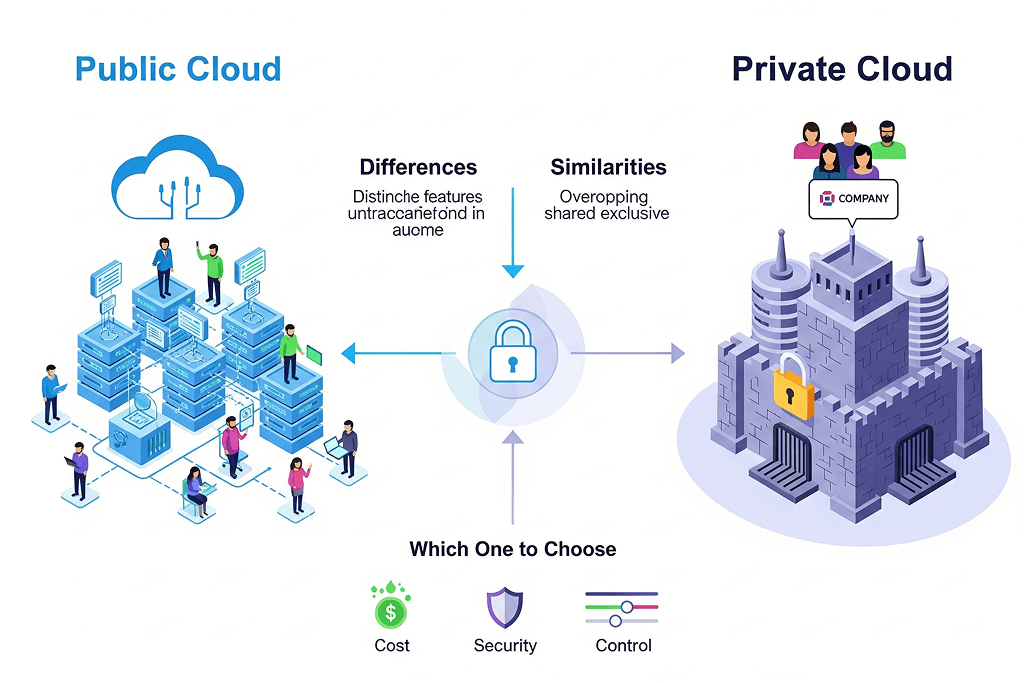
Cloud-based tools offer convenience. You sign up, and you're done. No servers to maintain. No infrastructure to manage. Updates happen automatically. For small teams, this is the right trade-off.
But as teams grow and data volumes increase, self-hosting becomes attractive. Your data stays within your network. You control backup strategy. You can integrate directly with internal systems without exposing data to external APIs. Compliance becomes simpler. If regulations like GDPR or HIPAA apply to your work, self-hosted solutions reduce your surface area for data exposure.
The secondary benefit is cost. Self-hosting initial costs more in engineering time. But over time, if your cloud bill scales with usage, self-hosting becomes economical. You pay fixed infrastructure costs instead of variable per-user or per-action fees.
For developer teams, the deeper appeal is control. Self-hosted tools can be integrated into your CI/CD pipeline, your monitoring stack, your incident response workflow. Cloud tools remain external. They can't see your internal metrics. They can't trigger actions in your infrastructure without going through APIs. For teams operating complex, integrated systems, self-hosted tools feel native. Cloud tools feel like guests.
The ideal alternative for developers offers both options. Deploy to the cloud if you prefer managed infrastructure. Self-host if you prefer control. Some teams do both, using the cloud version for non-critical work and self-hosted versions for sensitive projects.
Evaluating Your Next Trello Alternative
When selecting a Trello alternative for developers, ask these questions: Does it solve the specific pain points causing you to leave Trello? Cost scaling, workflow flexibility, or automation depth? Does it offer control through open-source code or self-hosting options? Can it grow with your team without forcing architectural rethinks? Is the roadmap aligned with developer needs, or does it chase general-purpose feature parity?
The best Trello alternative isn't the one with the longest feature list. It's the one that removes friction from how your team actually works. It automates repetitive tasks without requiring external integrations. It scales cost predictably as your team grows. It offers infrastructure flexibility so you're not forced into a cloud-only or self-hosted-only model. And it gives you the control to modify and integrate the system into your unique workflow.
For teams that have experienced the pain of SaaS pricing creep, vendor lock-in, or inflexible systems, an open-source Trello alternative with unlimited users and flexible deployment options represents a meaningful departure from the status quo. It's not just another Trello clone. It's built to answer the question Trello can't: how do we scale a project management system as our team, complexity, and ambitions grow?
Chimedeck: MCP Task Management Platform
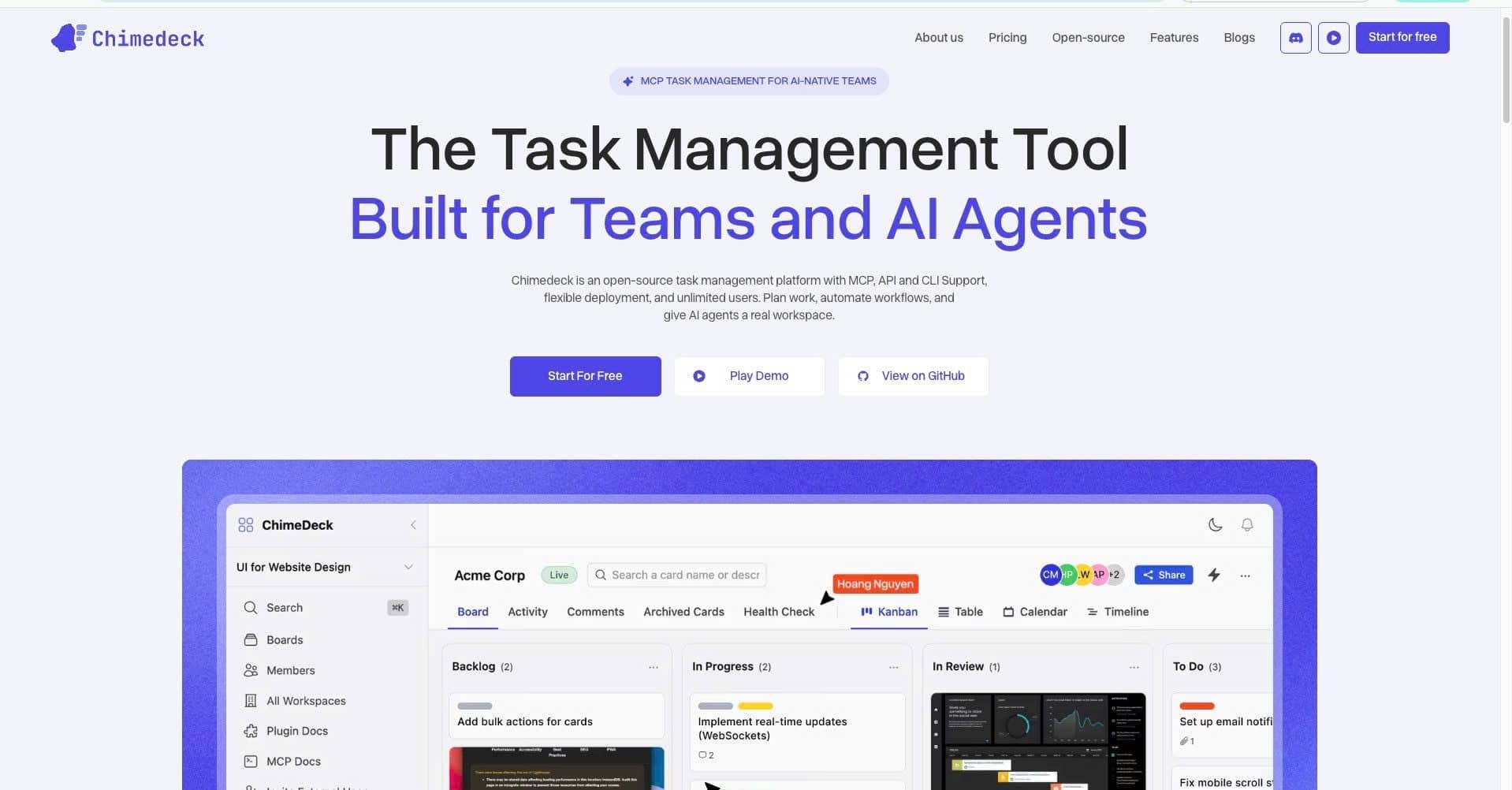
Chimedeck is an open-source workflow and task management platform designed as a scalable alternative to Trello for teams that need more control and flexibility. With unlimited users, flexible self-hosted or cloud deployment options, and AI-powered workflow automation, Chimedeck helps engineering teams, agencies, and scaling companies manage projects and automate operations without per-seat pricing constraints or vendor lock-in. Built for developers and operators, Chimedeck combines intuitive kanban-style boards with the extensibility and intelligence modern teams need to coordinate complex work across multiple systems and teams.
Frequently Asked Questions
What makes a good Trello alternative for developers?
A solid alternative should support workflow complexity (dependencies, sprints, technical tracking), offer flexible deployment options (cloud or self-hosted), embed automation without external integrations, and provide open-source code or self-hosting capabilities for control. It should also scale cost predictably as team size grows, not through per-seat pricing.
Is per-seat pricing really a problem at scale?
Yes. Per-seat pricing means your tool costs grow with every hire. At scale, this becomes prohibitively expensive. Teams either reduce tool access (creating information silos) or abandon the tool entirely. Unlimited-user models with fixed infrastructure costs solve this friction by aligning your tool cost with actual usage, not headcount.
Should we self-host or use cloud?
Cloud is simpler for small teams with minimal compliance requirements. Self-hosting offers better control, lower long-term costs at scale, integration with internal systems, and data residency compliance. The ideal platform offers both options, letting you choose based on your security, compliance, and operational needs.
Can AI really automate workflow management?
Yes, but most tools implement AI superficially (summaries, suggestions). Deeper AI integration can automate task generation, dependency detection, priority recommendations, and cascading updates across related items. This reduces manual busywork and surfaces insights about what's actually blocking progress.