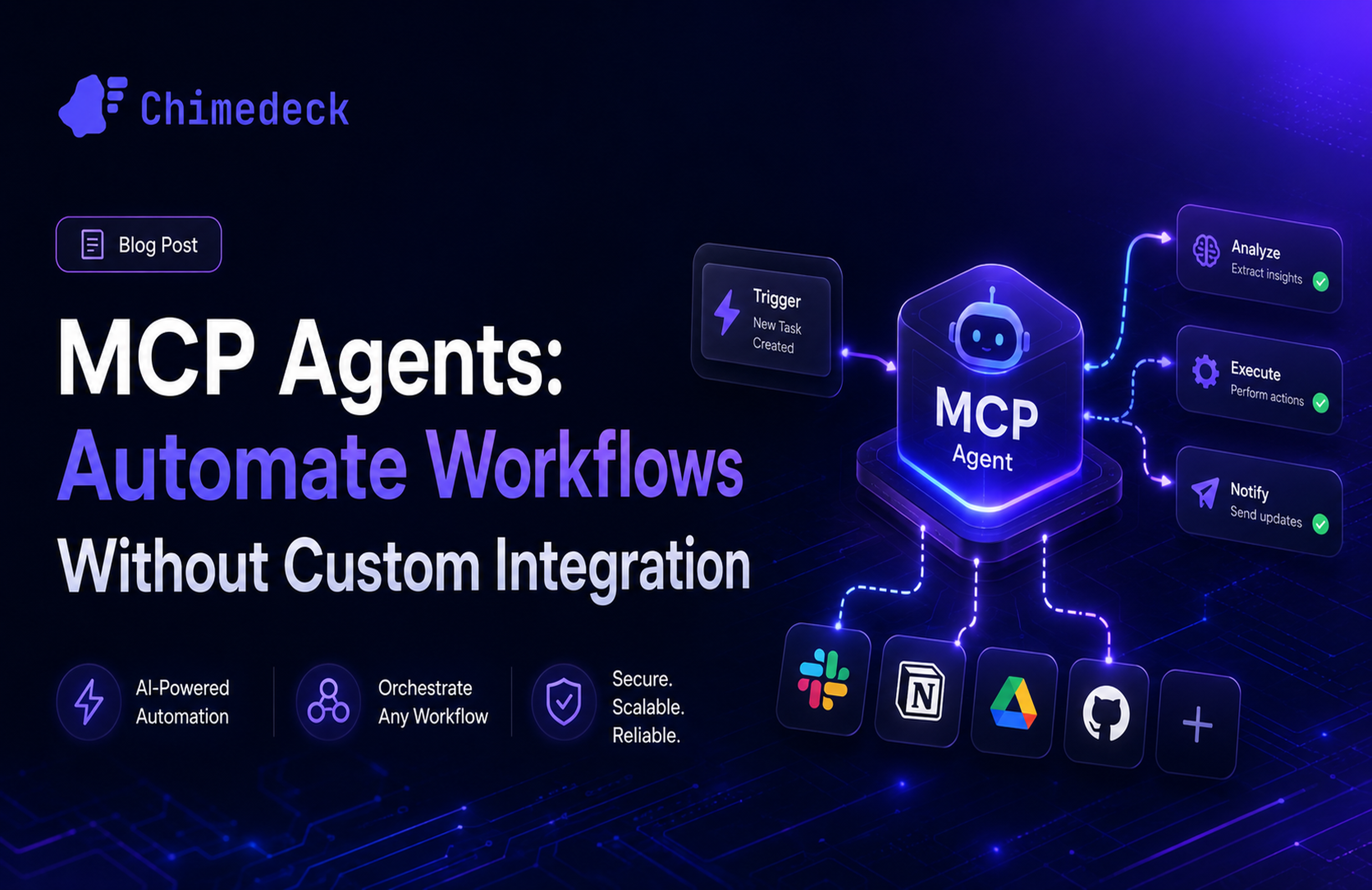
AI Task Management: Cost, Tools & Trade-offs in 2026
Explore AI task management platforms, costs, and trade-offs. Learn why per-seat pricing fails at scale and when to choose flexible platforms over SaaS tools.

Task management has become increasingly complex. Teams juggle dozens of tools, swim through notification overload, and spend more time updating statuses than doing actual work. AI task management systems promise to solve this by automating prioritisation, generating plans, and coordinating workloads without constant manual intervention. But the marketing hype often overshadows what AI task management can actually deliver and where the real trade-offs lie.
The real problem isn't just managing tasks—it's managing how your team organises work at scale, without costs spiralling and without losing flexibility. This is where AI task management becomes genuinely useful, but only if you understand what you're actually buying and what constraints come with it.
What Makes an AI Task Manager Actually Useful (vs. hype)
Not all AI task management features are created equal. Some genuinely save time; others just add complexity disguised as intelligence. The difference comes down to whether the AI is making decisions on behalf of your team or merely automating decisions your team already makes manually.
Useful AI task management does three things. First, it learns your work patterns and uses that context to make specific, actionable suggestions rather than generic advice. When an AI task manager suggests "prioritise Task X today," it's because it knows your deadlines, dependencies, team capacity, and historical performance—not because it runs a generic algorithm. Second, it reduces friction by automating the tedious coordination work that consumes 20-30% of a manager's time: updating statuses, sending reminders, assigning work based on capacity, detecting conflicts before they become blockers. Third, it adapts to your workflow rather than forcing you to adapt to its assumptions.
Where AI task management often disappoints is trying to do too much at once. A tool that claims to prioritise, reschedule, forecast budgets, generate reports, and write copy all simultaneously often does none of them particularly well. The best AI task management tools focus deeply on 2-3 specific problems your team actually faces rather than offering shallow AI everywhere.
The Real Cost Problem with SaaS Task Management
Most AI task management tools use per-seat pricing. Motion charges $19 per user per month. Asana charges $24.99. ClickUp charges $7-19 for the base tool plus $5 for AI. For a 10-person team, you're looking at $200-250 monthly. Scale to 50 people and you're paying $1000-1250 monthly just for task management. Scale to 200 people and per-seat models become unsustainable.
This creates a painful dynamic: as your team grows, your tool costs scale linearly with headcount. A company with 10 people budgets one thing; a company with 100 people budgets entirely differently. Worse, you often can't remove features or users you don't need—the pricing model forces you to pay for everyone, whether they actively use the tool or not.
The second cost problem is feature lock-in. Want advanced AI features like resource forecasting or utilisation tracking? That's a higher tier. Want API access or advanced integrations? Even higher. The tool gradually becomes more expensive as you demand more sophisticated functionality.
This is why some teams outgrow traditional SaaS task management not because the features are bad, but because the cost structure no longer makes sense. An open source task management platform with unlimited users and no per-seat pricing fundamentally changes the economics. A 200-person team pays the same as a 20-person team. You can add users without budgeting for cost increases. You own the infrastructure and can customise it to your needs rather than being constrained by a vendor's roadmap.
How AI Task Management Differs Across Team Sizes
The best AI task management tool for a solo founder is completely different from the best one for a 50-person agency, which is different again from an enterprise with 500+ people coordinating across departments.
For individuals and small teams (under 5 people), personal productivity AI makes sense. Tools like Motion or Reclaim focus on automatic scheduling, calendar optimisation, and daily planning. The AI learns your peak productivity hours, task durations, and meeting patterns, then auto-schedules your day. This saves 15-20 minutes daily on manual planning and reduces context switching. Cost per person is acceptable because you're only managing a handful of users.
For mid-size teams (5-50 people), the priorities shift. You need AI that coordinates across the team: resource allocation, skills-based task assignment, dependency detection, workload balancing. A content agency with 20 people needs to know who's overbooked, what tasks are blocked waiting for other work, and where skills gaps exist. Personal scheduling AI stops being useful; you need team-level coordination AI. This is where task management tools with utilisation tracking, capacity planning, and intelligent resource matching become valuable.
For enterprises (100+ people), the calculus changes entirely. Per-seat SaaS pricing becomes prohibitive. You need flexibility to customise workflows for different departments (marketing processes differ from operations processes). You need to integrate deeply with your existing systems—ERP software, data warehouses, internal tools. You need control over data and the ability to run the system on your own infrastructure if compliance or security requirements demand it. At this scale, open source workflow platforms with API-first design and flexible deployment options become far more cost-effective than paying per-seat charges.
The mistake most teams make is choosing a tool based on team size at the moment of purchase and not accounting for growth. A tool perfect for 10 people becomes expensive and inflexible at 100 people. Planning for scale often means starting with a platform that can grow with you rather than forcing painful migrations later.
Choosing Between SaaS Tools and Flexible Platforms
The core trade-off in AI task management comes down to convenience versus control. SaaS tools like Asana, ClickUp, and Motion prioritise convenience. They're fast to set up, provide polished interfaces, and offer customer support. But you're locked into their roadmap, their pricing model, their data ownership policies, and their feature set.
Flexible platforms—often open-source or self-hosted options—prioritise control. You own the code, the data, and the ability to modify anything. You can add custom features, integrate with any system, and scale without per-seat constraints. The trade-off is that setup takes longer, you need technical capability to run and maintain it, and you don't get a support team managing the platform for you.
There's also a middle ground: platforms that offer both managed cloud hosting and self-hosted options, with extensible APIs and workflow automation. These give you convenience when you want it (managed hosting, pre-built features) but don't trap you when you need customisation or cost efficiency.
Your choice depends on your constraints. If you're a fast-moving startup that needs to move quickly and cost per user isn't a limiting factor, SaaS tools with integrated AI work well. If you're scaling to hundreds of users, managing multiple client workflows with bespoke requirements, or operating in a regulated industry with data sovereignty concerns, a flexible platform starts making more sense. If you're a mid-size team expecting significant growth, choosing a platform that supports both models reduces your risk of outgrowing it in three years.
The best AI task management platform is one that doesn't force you to choose between intelligence and flexibility, between convenience and cost efficiency, between using someone else's system and building something that fits how your team actually works.
Frequently Asked Questions
What's the difference between an AI task manager and a regular task manager?
A regular task manager lets you manually create, assign, and prioritise tasks. An AI task manager learns your patterns and automates parts of that process. It might auto-prioritise based on deadlines and dependencies, auto-assign work based on team capacity and skills, summarise updates without you reading full threads, or generate task plans from descriptions. The key is that it makes decisions or handles routine work without you manually triggering each step.
Do AI task managers actually save time?
It depends on your workflow and what problems you're trying to solve. Teams using AI for personal scheduling report saving 15-20 minutes daily. Teams using AI for resource coordination and workload balancing report saving 5-10 hours weekly on planning and coordination. Teams with chaotic task management (no clear descriptions, missing deadlines, inconsistent data) often see little benefit because AI can't optimise garbage data. Start by auditing whether your baseline task management is solid before expecting AI to add value.
Is per-seat pricing worth it for AI features?
At small scale (under 20 people), yes. At 50+ people, the maths become questionable. A 50-person team paying $10-25 per person per month for AI task management costs $6000-15000 annually. That's significant. Compare that to a platform with unlimited users and lower infrastructure costs. For large teams, the cost advantage of unlimited-user models or infrastructure-based pricing often outweighs the convenience of polished SaaS interfaces.
Can I switch between AI task managers without losing data?
Most SaaS tools offer export options (CSV, JSON), but they don't export the AI models or learned patterns. You'd keep your task data but lose the customised AI that learned your team's behaviour. This is a genuine lock-in risk. Look for tools with open data formats, documented APIs, and clear data portability policies if vendor independence matters to you.
Chimedeck - MCP task management platform
Chimedeck is an open-source, AI-powered workflow platform designed for teams that need task management without the constraints of per-seat SaaS pricing. It combines unlimited users, flexible self-hosted or cloud deployment, and AI-driven workflows into a scalable alternative to tools like Trello and Asana. Teams choose Chimedeck when they need cost efficiency at scale, control over customisation, and the ability to build internal workflows that adapt to how they actually work rather than forcing adaptation to a rigid tool.