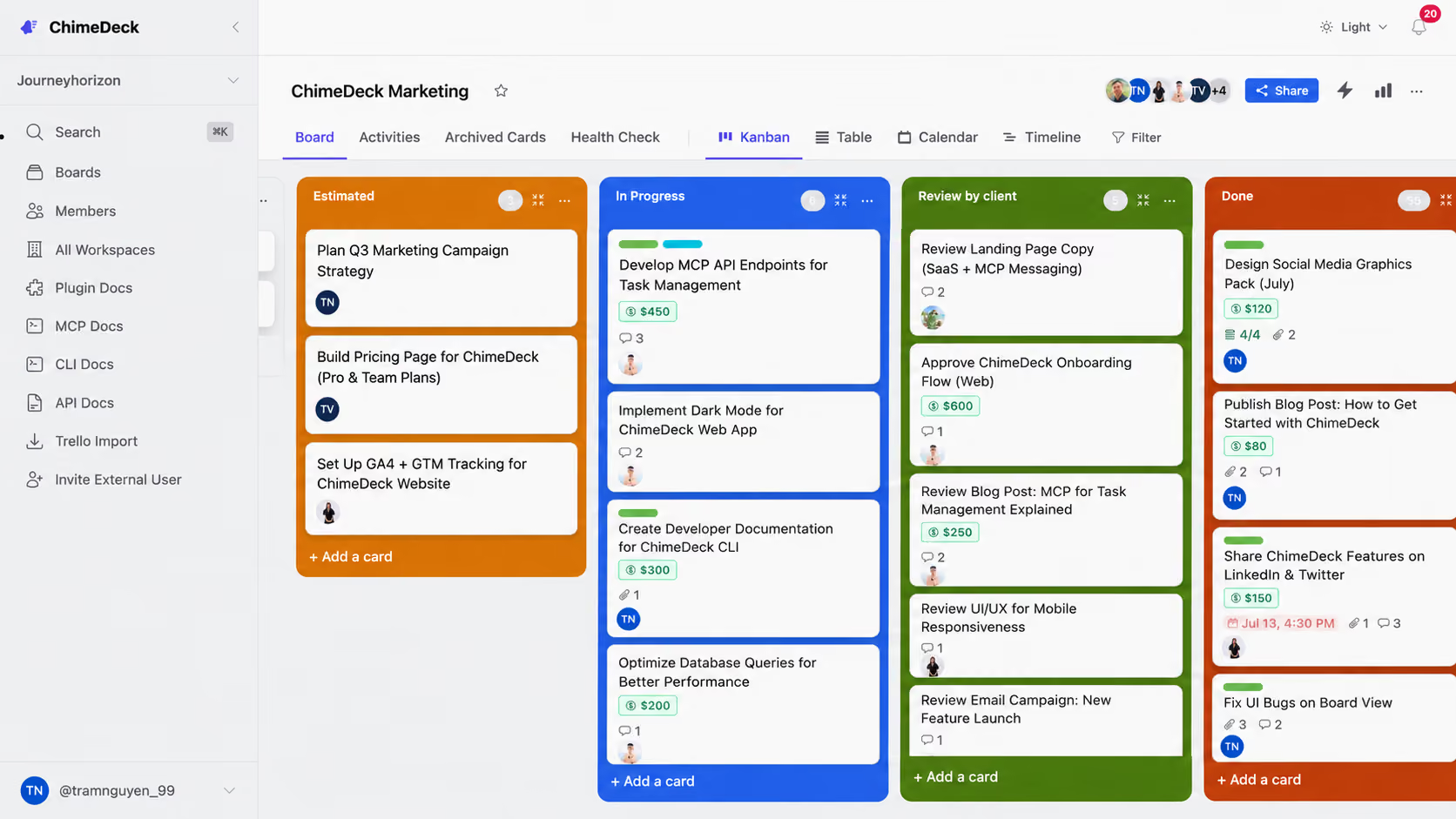
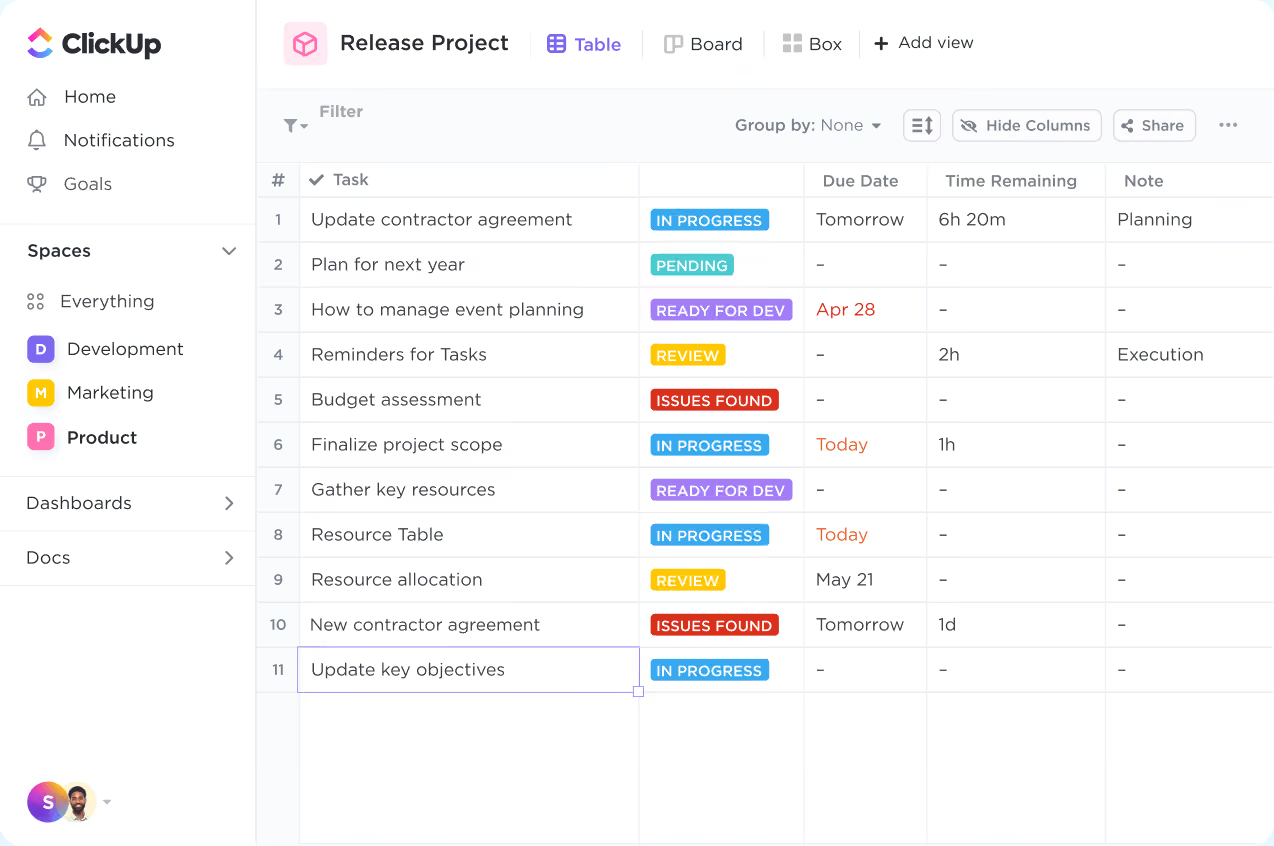
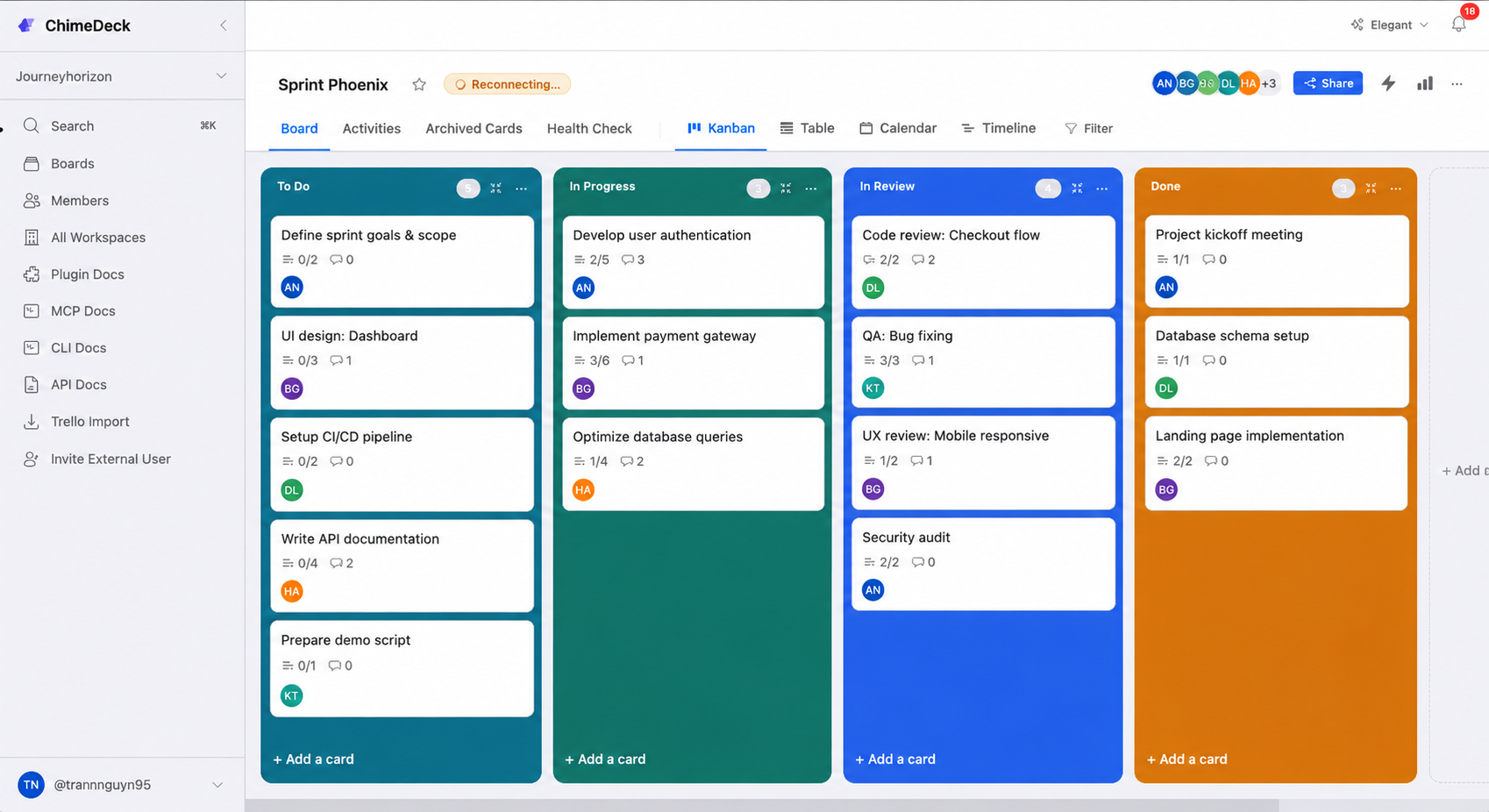
Chimedeck vs ClickUp

Choosing between Chimedeck and ClickUp? Compare features, pricing, AI capabilities, MCP integration and deployment options to find the best task management platform for your business.

Start Chimedeck for Free
View on GitHub

AI Agents & MCP Integration

Both ClickUp and Chimedeck support AI-powered workflows, but they solve the problem differently.
ClickUp

ClickUp brings AI directly into its own ecosystem through ClickUp Brain, Super Agents and AI Automations.

AI can summarize projects, generate content, answer questions and assist users across tasks, Docs and Chat, creating a tightly integrated productivity experience.

Chimedeck

Chimedeck is designed as an open task management platform for both people and AI agents.

Through Model Context Protocol (MCP), API and CLI, compatible AI agents can search boards, create tasks, assign owners, update workflows, post comments and move cards between stages.

Instead of depending on a single AI assistant, teams can connect the AI models and tools they already use.

CHIMEDECK
Clickup
AI Strategy
Open AI ecosystem
Built-in AI ecosystem
AI Agents
Native MCP
Super Agents
MCP
Native
Supported
API
CLI
-
AI Model Flexibility
Any compatible model
ClickUp AI ecosystem
Choose ClickUp if you want AI built directly into your workspace.
Choose Chimedeck if you want AI agents to work on your tasks through open standards like MCP.

Infrastructure-Based Pricing vs Per-User Licensing

Pricing becomes increasingly important as organizations grow.ClickUp charges per Workspace member on paid plans, with additional AI subscriptions available for advanced AI features. Chimedeck separates platform cost from team size.
Organizations can self-host the open-source edition for free or choose managed hosting based on infrastructure requirements rather than paying another software license for every new employee.
Pricing
Chimedeck
ClickUp
Free plan
Entry paid plan
Infrastructure-based
Unlimited – $7/user/month (billed annually)
Business plan
Infrastructure-based
Business – $12/user/month (billed annually)
Enterprise
Custom
Custom
AI
Use your preferred AI provider
Brain AI from $9/user/month (annual)
As your organization grows, infrastructure-based pricing can be easier to predict than per-user licensing.

Chimedeck vs ClickUp: Feature Comparison

Feature
Chimedeck
ClickUp
Product focus
Task management for teams and AI agents
All-in-one work management
Kanban, Table, Timeline & Calendar
Included
Included, with some plan-based limits
AI approach
External AI agents through MCP
ClickUp Brain & Super Agents
MCP support
Native integration layer
Supported through ClickUp MCP Server
API & CLI
API + CLI included
API included
Docs, Chat & Whiteboards
Not a core focus
Built in
Dashboards & Reporting
Basic
Advanced
Open source
Self-hosting
Pricing model
Infrastructure-based
Per user
ClickUp provides significantly more built-in productivity features.
Chimedeck focuses on giving teams a lightweight, extensible task platform with native AI-agent connectivity, developer tools and deployment flexibility.

One free plan, three kinds of team

Whether you're one person, a scaling org, or an engineering team - with Chimedeck, the features never get held hostage behind a tier.
Individuals & small teams
Start free and get Timeline, Calendar, Kanban and Table from day one — the exact views Monday.com hides behind its $12 Standard tier and blocks entirely on its 2-seat free plan.
Full feature set, $0
Scaling teams
Bring the whole org, contractors and clients into one workspace without watching the invoice climb. There's no per-seat fee and no 3-seat minimum — cost is tied to infrastructure, not headcount.
Unlimited users, flat cost
Engineering teams
Self-host the open-source build (AGPL-3.0) free forever on your own servers, with full data ownership. Wire it into your stack through the API, CLI, plugin registry and MCP.
Open source, self-hosted
Every view free
Timeline, Calendar, Kanban & Table — no paywall
No seat tax
Add the whole team; the price never moves
Self-host option
Run it free forever on your own infra
AI-agent ready
MCP support with OpenClaw + Hermes

Frequently Asked Questions

What is the biggest difference between Chimedeck and ClickUp?

ClickUp is designed as an all-in-one workspace combining projects, Docs, Chat, Dashboards and AI.
Chimedeck focuses on task management and provides an open platform where both people and AI agents can collaborate through MCP, API and CLI.

Does ClickUp support MCP?

Yes. ClickUp provides an MCP Server as part of its AI ecosystem.
Chimedeck also supports MCP, but uses it as a core integration layer that allows external AI agents to interact directly with task workflows.

Which platform is better for AI agents?

Both platforms support AI agents.ClickUp focuses on its own AI ecosystem with
ClickUp Brain and Super Agents.
providing external AI agents with direct access to tasks via open standards such asChimedeck focuses on giving external AI agents direct access to tasks through open standards like MCP.

Is Chimedeck open source?

Yes.
Chimedeck is released under the AGPL-3.0 license, allowing organizations to inspect the code, self-host the platform and customize it for their own workflows.

Can I self-host Chimedeck?

Yes.
Organizations can deploy Chimedeck on their own infrastructure or choose managed hosting.
ClickUp is available as a cloud SaaS platform and cannot be self-hosted.

Is Chimedeck cheaper than ClickUp?

For larger teams, it can be.
ClickUp's paid plans are priced per user, while Chimedeck's managed hosting is based on infrastructure and the open-source edition can be self-hosted without software licensing fees.

Does Chimedeck include an API?

Yes.
Every workspace can be accessed through a public API, CLI and native MCP integration, making Chimedeck suitable for developers building custom workflows and AI-powered automation.

}