Task Management Workflow: Build Systems That Scale
Learn how to build a task management workflow that scales with your team — without per-seat pricing traps or brittle rule-based automation holding you back.

Most teams hit the same wall. A list of tasks grows into a tangle of threads, chat messages, and duplicated spreadsheets. Someone updates a shared doc, nobody notices, and a deadline slips. The instinct is to add more tools. A tracker here, a calendar there, a Slack channel for each project. But the problem is rarely the number of tools. It is the absence of a structured task management workflow that connects work to outcomes.
A workflow is not a checklist with extra steps. It is the logic that determines who picks up work, in what order, under what conditions, and what happens next. When that logic is defined and repeatable, teams stop losing work to ambiguity and start operating with something closer to a system.
When Task Lists Stop Being Enough

There is a recognisable inflection point in most teams' growth where basic task tracking stops working. It tends to happen somewhere between five and fifteen people, or when a team starts managing multiple concurrent projects with overlapping responsibilities.
A to-do list tells you what needs to happen. A workflow tells you how it happens. Without a structured Task Management process, the same failure modes repeat: tasks assigned to the wrong person, work blocked on an approval nobody knew existed, status updates that live in someone's inbox rather than the system everyone is supposed to be using.
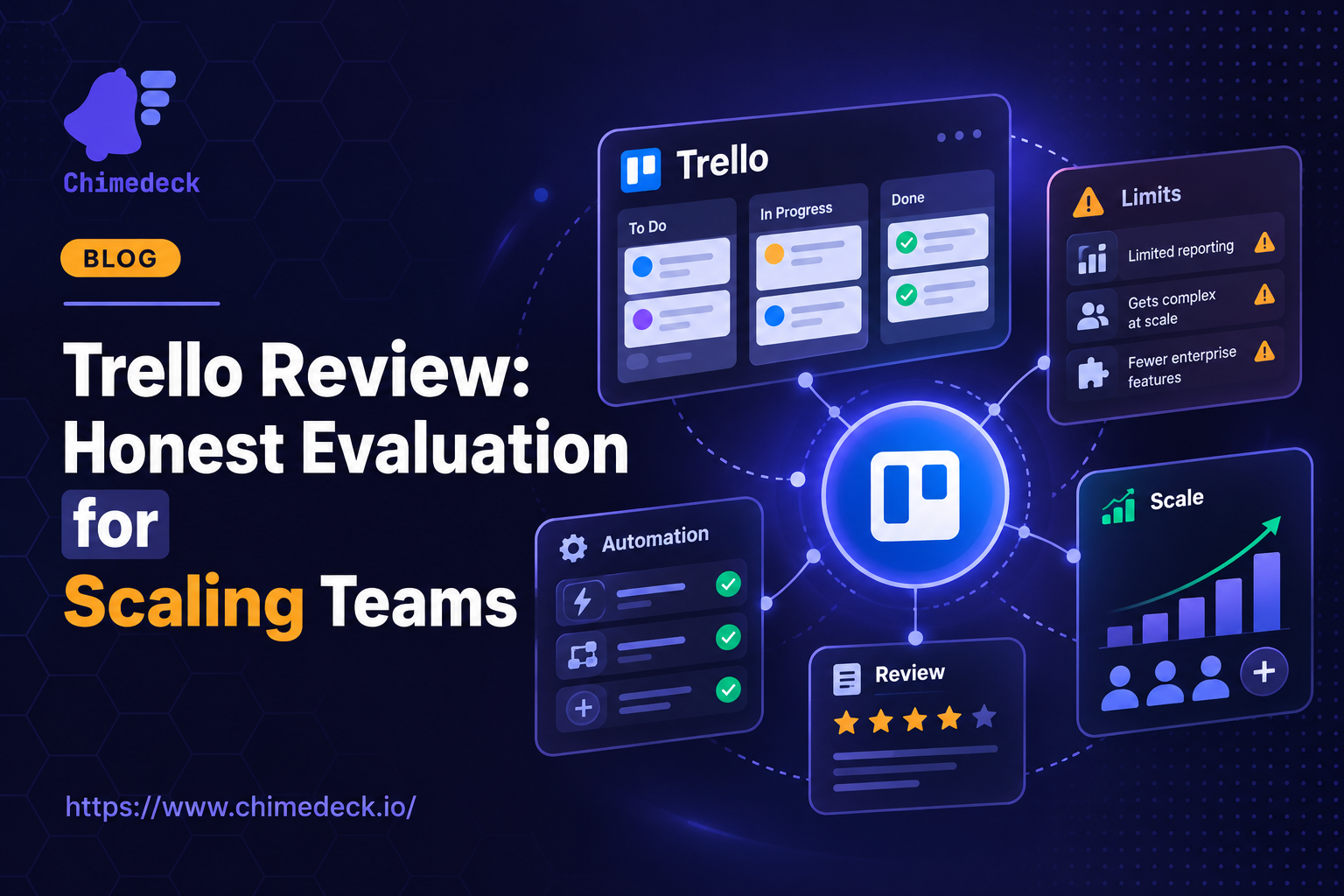
Kanban boards, popularised by tools like Trello, gave teams a useful visual layer. Cards move through stages, everyone can see where things stand. But visualisation alone does not solve coordination. You can have a card stuck in "in review" for three days without knowing why it is stuck, who is responsible for unblocking it, or whether the delay is a one-off or a signal of a deeper process problem.
The teams that operate well at scale are not the ones with the most tools. They are the ones with clearly defined workflow logic: intake, assignment, dependencies, review, and closure as a consistent and repeatable process rather than an improvised one.
=>>> Read More: Benefits of Task Management Software | Chimedeck
What a Real Task Management Workflow Looks Like

A functional task management workflow has a few non-negotiable components. The first is a single intake point. When tasks arrive from multiple directions (email, chat messages, meetings, client requests), they need to land somewhere consistent before they get assigned and prioritised. Without centralised intake, things fall through the gaps between systems, and the gap is almost always invisible until something important is missed.
The second component is clear ownership. Every task needs a named person responsible for its completion, not just its creation. The person who opens a task is rarely the person who closes it. The workflow needs to make that handoff explicit, with accountability attached to each stage rather than just the final deliverable.
Third: dependencies and sequencing. Many tasks cannot start until another finishes. If those relationships are not captured in the system, teams discover them at the worst possible moment, usually when something is already blocked and a deadline is close. Mapping dependencies in advance is not overhead. It is the difference between a workflow and a pile of tasks.
Finally, review and closure. A task is not done when the work is done. It is done when the output has been reviewed, accepted, and documented. Closing that loop consistently is where a lot of teams fail, and where a well-chosen task management tool earns its place in the stack.
The Scaling Problem With Traditional SaaS Tools

Here is a trade-off that rarely gets enough attention when a team is small: per-seat pricing. Tools like Asana and Monday.com charge per user per month. When a team is six people, that is manageable. When it grows to forty, the bill is substantial. When you need to bring in a client, a contractor, or a team from another department, every addition triggers a cost conversation that should not need to happen.
This pricing model creates a structural problem over time. Teams start working around it: limiting access to the expensive tool, keeping stakeholders out of the system, duplicating work into cheaper tools that do not integrate cleanly. The result is fragmentation, which undermines the workflow logic the team was trying to build in the first place.
For agencies managing multiple clients, or product teams with cross-functional contributors, the economics of per-seat SaaS eventually stop making sense. That is why more teams are moving toward open-source or self-hosted workflow platforms that decouple cost from headcount. A free Trello alternative that does not penalise you for growing is not just a cost saving. It removes a structural constraint that limits how openly teams can collaborate.
Where AI Fits Into Workflow Automation
The most meaningful shift happening in workflow management right now is the integration of AI into the execution layer, not just the planning layer. Legacy workflow tools can automate routing: when a card moves to "done", send a notification, assign the next task. That is rule-based automation. It is useful, but it is brittle. Rules need to be written manually, maintained as processes change, and tend to break when edge cases arise.
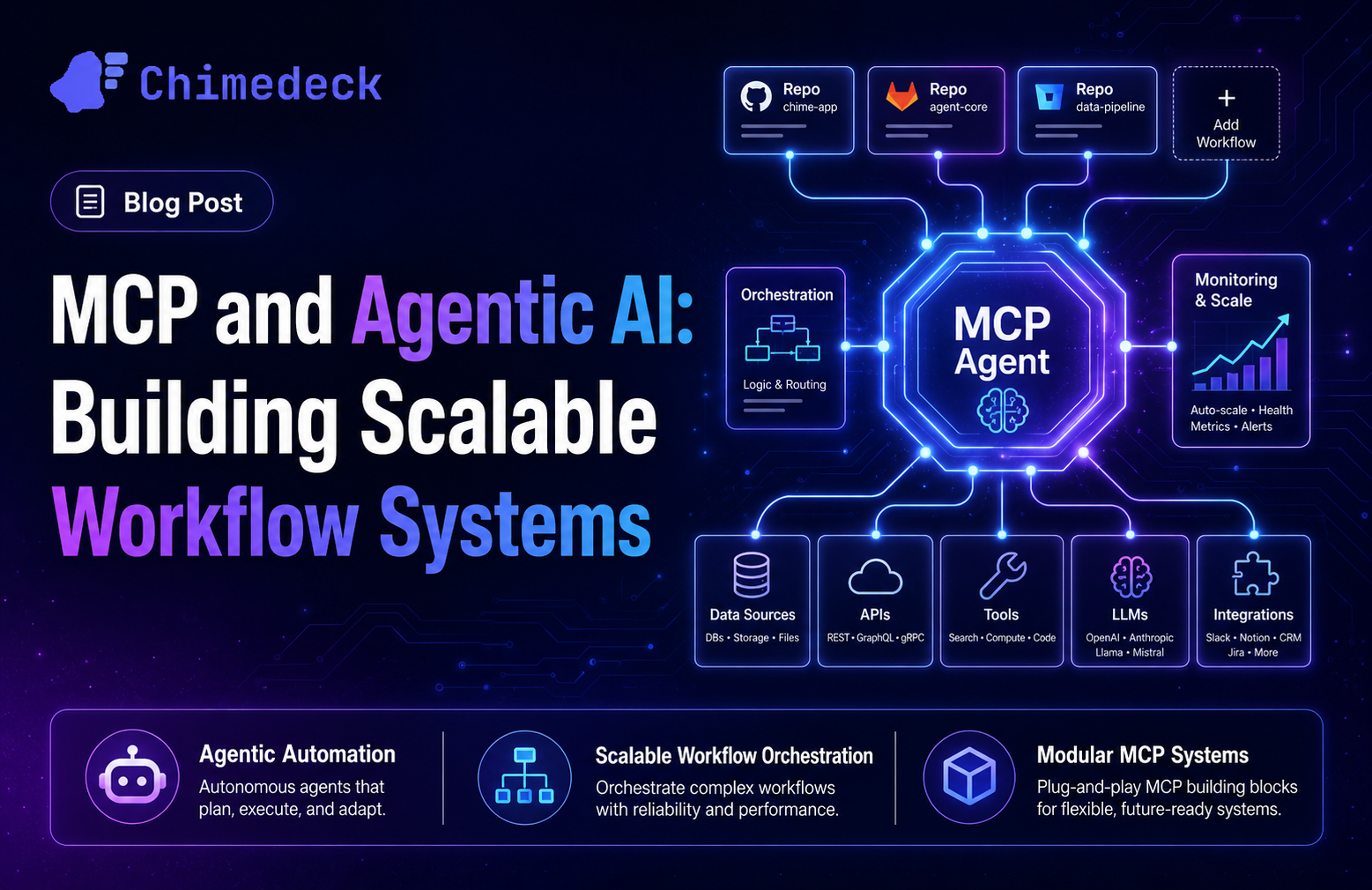
AI-powered workflows work differently. Instead of following fixed rules, they can suggest task priorities based on usage patterns, flag dependencies that were not explicitly defined, generate tasks from brief descriptions, and adapt routing logic based on how work actually moves through the team. The practical effect is that teams spend less time managing the workflow system itself and more time doing the work the system is supposed to support.
This distinction matters most at scale. A team of five can improvise. A team of fifty cannot. AI-native workflow platforms give larger teams the kind of intelligent coordination that used to require dedicated operations staff, built directly into the tools they are already using.
Choosing Workflow Infrastructure That Fits How You Actually Scale
When evaluating workflow tools, the surface-level comparison (features, UI, integrations) is the easy part. The harder question is what happens when your needs change, your team doubles, or you need to customise a process that the vendor's roadmap does not prioritise.
SaaS tools offer fast setup and low maintenance overhead. The trade-offs are limited customisation, vendor dependency, and cost structures that scale against you. If your workflow needs to evolve in ways the platform was not designed for, you are waiting on someone else's product team.
Self-hosted and open-source platforms offer the inverse. You own the data, the infrastructure, and the ability to modify the system to fit your processes rather than the other way around. The trade-off is setup time and operational responsibility. For teams with technical capacity, or those operating in environments with data control requirements, that trade-off often makes sense.
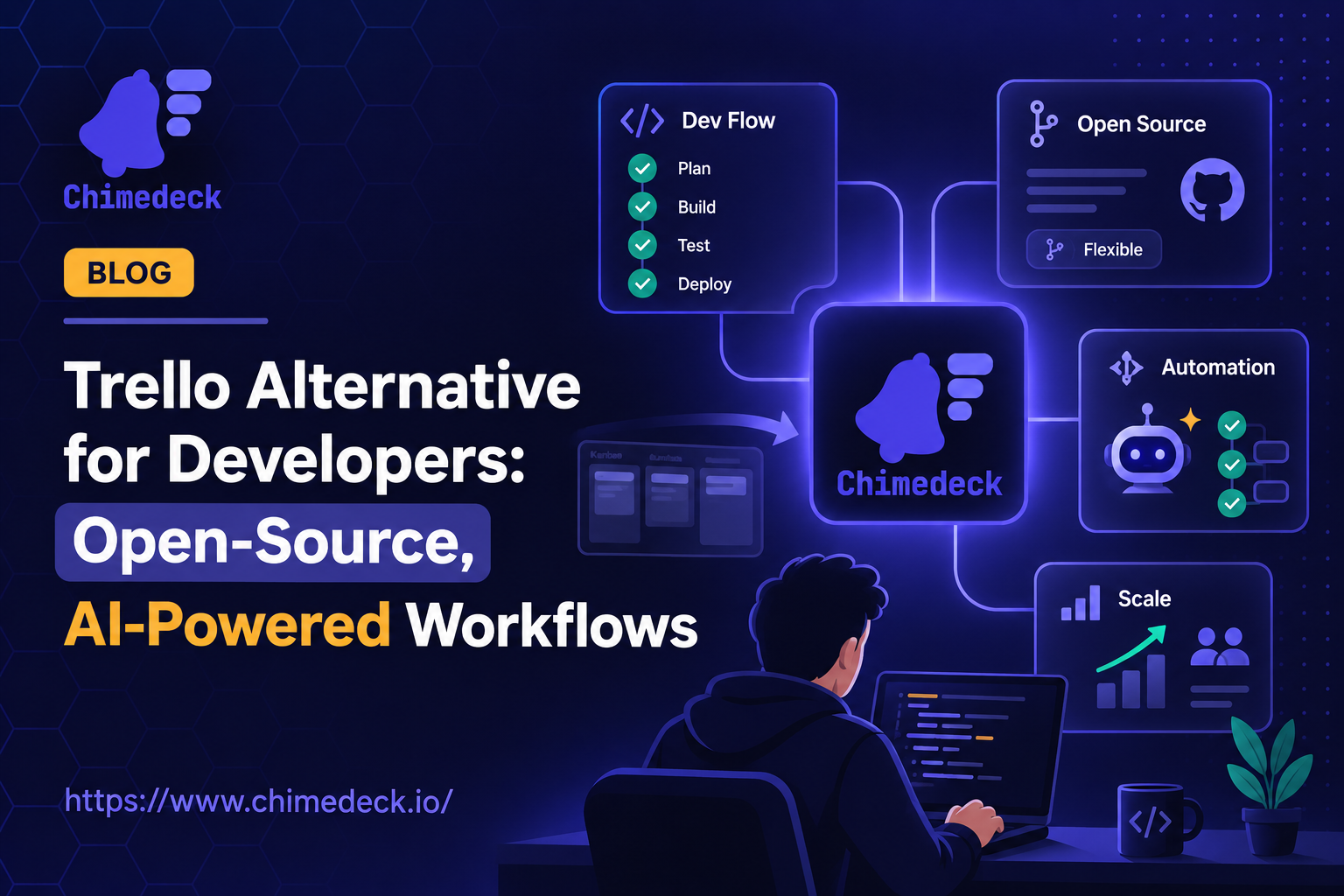
There is also a middle ground: platforms that offer open-source flexibility with the option of cloud deployment. These give teams meaningful control without requiring them to run their own infrastructure from day one. Chimedeck is built as an open source Trello alternative with unlimited users, flexible deployment options, and AI-powered workflows built into the platform. For teams that have outgrown per-seat SaaS tools but do not want to build internal workflow systems from scratch, that kind of platform sits in a useful position: scalable, customisable, and not priced to punish growth.
=>>> Related Post: Task Management Methods for Teams That Scale
Frequently Asked Questions
What is the difference between task management and workflow management?
Task management focuses on individual tasks: creating, assigning, and tracking them through to completion. Workflow management is broader. It defines the process by which tasks move through a system, including sequencing, dependencies, automation, and review logic. A good workflow system makes task management more consistent and predictable across the team.
When should a team move beyond basic task tracking tools?
When tasks regularly get dropped, blocked, or duplicated across tools. When coordination between team members happens in chat rather than the system everyone is supposed to be using. When onboarding a new person to a project requires a manual briefing on how things actually work. These are signals that a team needs structured workflow logic, not just a better to-do list.
What should I look for in a scalable workflow management tool?
Centralised task intake, clear ownership and assignment at each stage, dependency tracking, automation capabilities, and a cost model that does not scale against you as the team grows. Open-source and self-hosted options are worth evaluating for teams that need data control or expect significant headcount growth.
How does AI improve workflow management?
AI moves workflow management from rule-based automation to adaptive coordination. Rather than following fixed routing rules, AI-powered systems can suggest priorities, flag risks, generate tasks from brief inputs, and adjust based on how work actually flows through the team. The practical benefit is less time spent managing the system and better outcomes from the workflows themselves.