Chimedeck vs Trello
Trello keeps visual task management simple, but limits its free plan to 10 collaborators and places Calendar, Timeline, Table, Dashboard and Map views behind its Premium plan. Chimedeck gives teams multiple ways to manage work, native AI-agent access and the freedom to self-host-without charging for every new teammate.
The Chimedeck vs Trello Full Comparison
The Paywall Gap
The True Cost of Per-Seat Pricing
Trello counts Workspace members as billable users on paid plans. Guests added to more than one board in the same Workspace are also billed at the same rate as Workspace members.

One Flexible Platform, Three Kinds of Team
Chimedeck’s pricing is tied to the infrastructure and service you use-not the number of people contributing to the work.
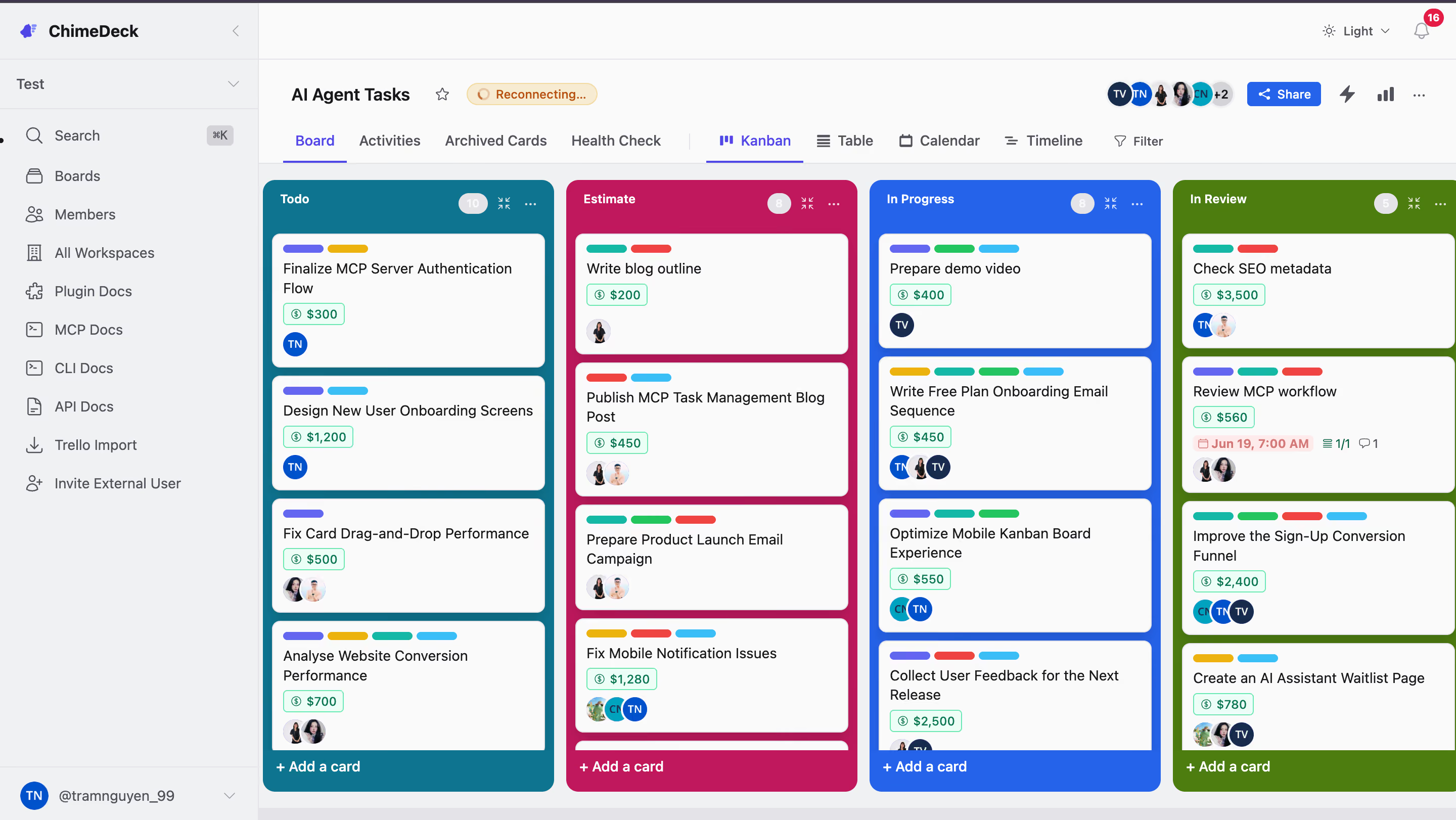
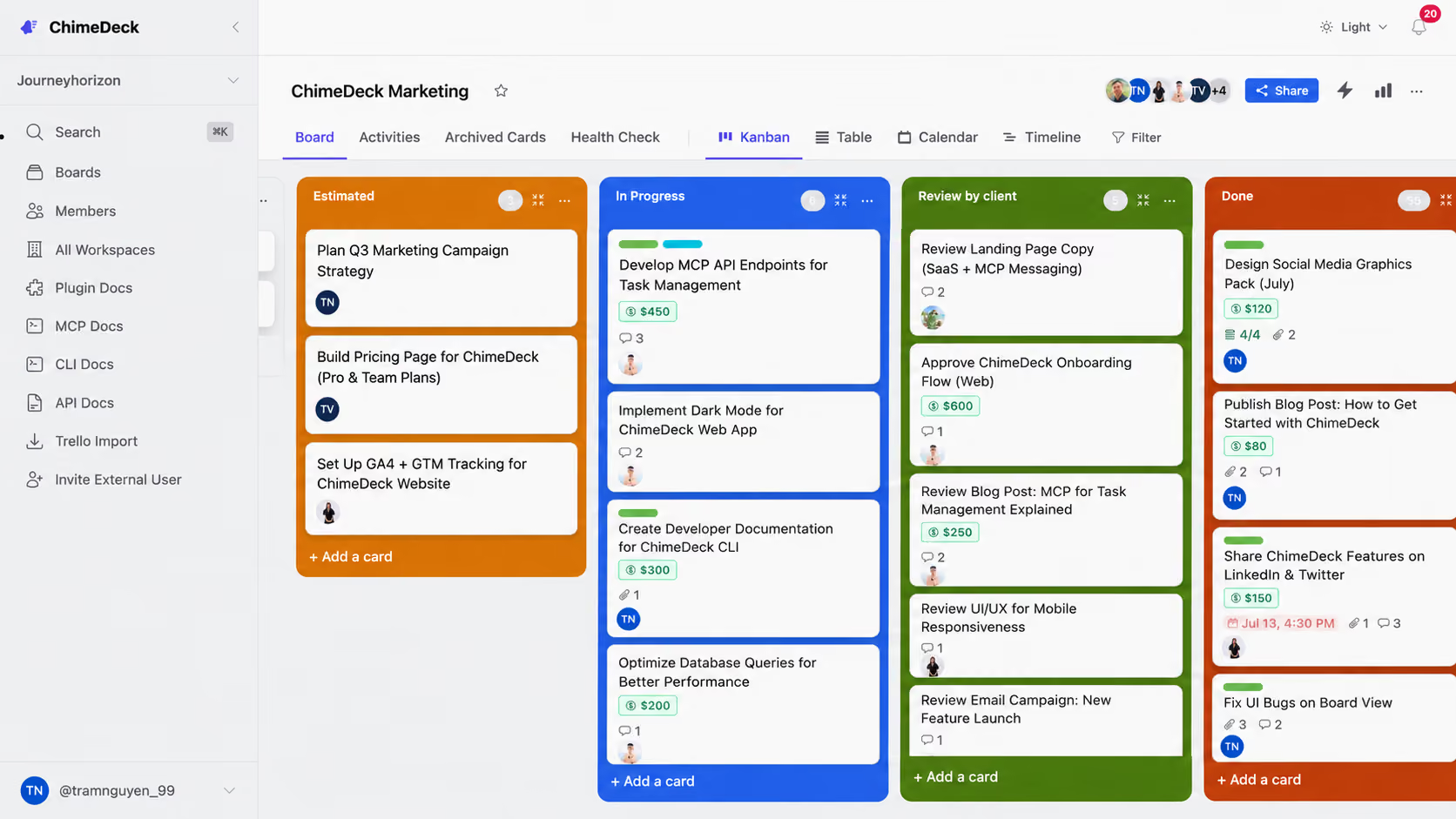
Chimedeck - A Familiar Task Workspace-Built for Humans and AI Agents
Chimedeck combines straightforward task management with the flexibility growing and technical teams need.
Use Kanban for daily execution, Table for structured task review, Timeline for planning and Calendar for deadlines. Invite the people involved without turning every collaborator into another software license.
For technical teams, Chimedeck can also be self-hosted and connected to internal systems or AI agents through MCP, API and CLI.
Kanban, Table, Timeline and Calendar views.
No per-user pricing.
Native MCP Task Management support for AI agents.
API and CLI access.
Open-source codebase.
Self-hosted or managed deployment.
Full infrastructure control when self-hosted.
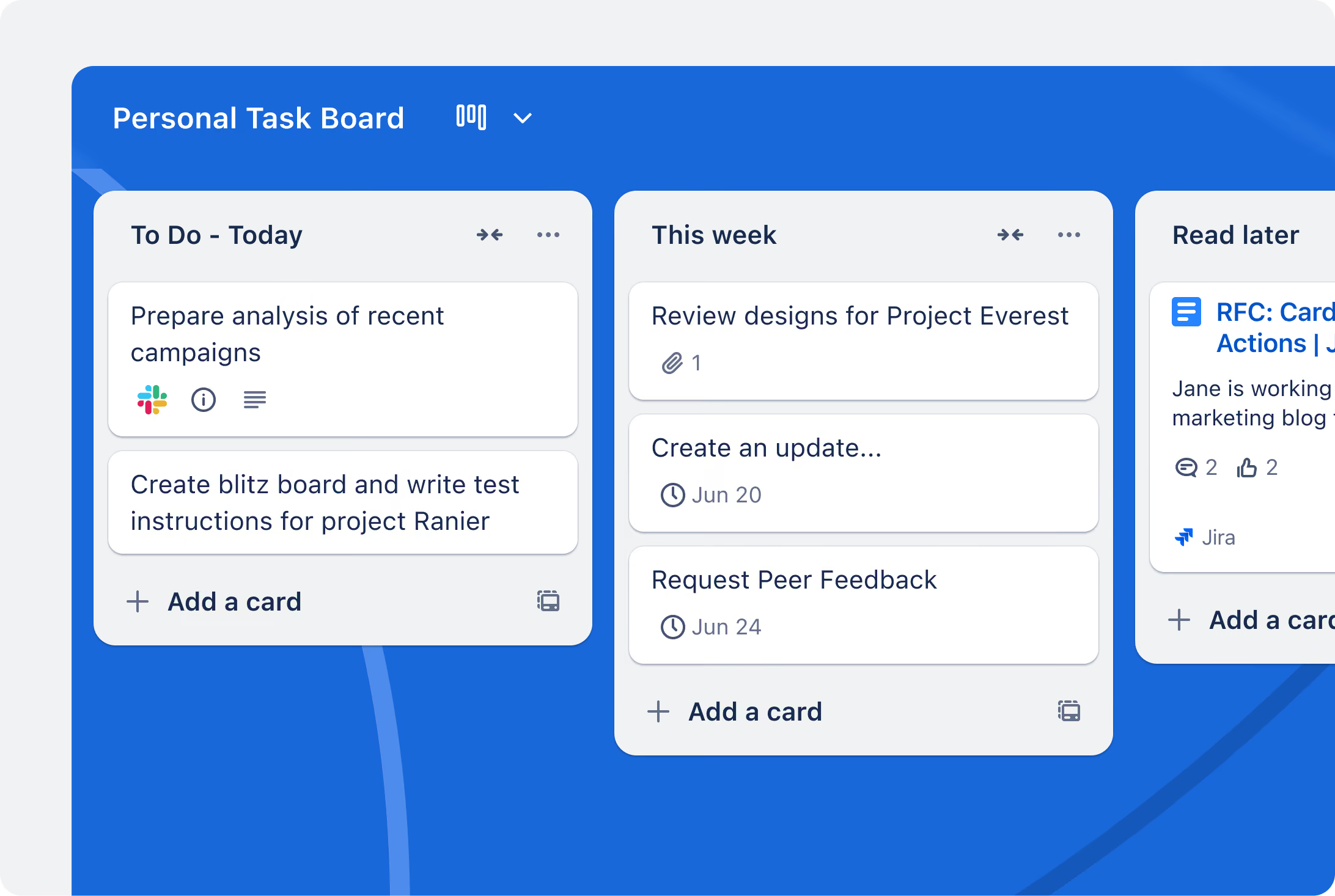
Trello - Simple, Familiar Kanban-with Advanced Work Views Reserved for Premium
Trello remains one of the easiest task management tools to learn. Its boards, lists and cards work well for straightforward workflows, while its templates and Power-Ups make it accessible to many different teams.
However, the free plan is limited to 10 collaborators and 10 boards per Workspace. Teams that need unlimited boards, Custom Fields or advanced checklists must upgrade to Standard. Calendar, Timeline, Table, Dashboard and Map views are only available with Trello Premium.
Free plan limited to 10 collaborators per Workspace.
Free plan limited to 10 boards per Workspace.
Custom Fields and advanced checklists require Standard.
Calendar, Timeline and Table require Premium.
Paid plans are priced per user.
Trello is cloud-only and cannot be self-hosted.
From Setup to Productivity in a Day
Frequently Asked Questions
Yes. Chimedeck is a strong Trello alternative for teams that want familiar Kanban-style task management with multiple project views, open-source deployment, self-hosting, native MCP support and no per-user pricing.
Trello may remain a better choice for teams that prioritize a mature Power-Up ecosystem, ready-made templates and a fully managed cloud product.
Trello is a proprietary, cloud-based visual task management platform built primarily around boards, lists and cards. Chimedeck is an open-source task management platform designed for both human teams and AI agents.
Chimedeck also supports self-hosting, MCP, API and CLI access, giving organizations more control over deployment, integrations and workflow automation.
Yes. Chimedeck is released under the AGPL-3.0 license, allowing teams to inspect, deploy and modify the source code according to the license terms.
This makes Chimedeck suitable for organizations that want an open-source Trello alternative rather than relying entirely on proprietary SaaS infrastructure.
Chimedeck can be more cost-effective for growing teams because it does not charge per user. Its managed plans are based on infrastructure and service requirements, while its open-source software can be self-hosted.
Trello’s paid plans use per-user pricing, meaning the total subscription cost generally increases as more billable Workspace members are added.
Yes. Chimedeck allows unlimited users across its self-hosted and managed plans without adding a separate software fee for every new team member.
Individual plans may still include limits on workspaces, boards, columns, cards or infrastructure capacity, but collaboration is not priced per seat.
Yes. Chimedeck can be deployed on infrastructure controlled by your organization. Self-hosting gives teams greater control over data storage, customization, backups, integrations and infrastructure policies.
Trello does not offer an on-premises version and operates as a cloud-only product.
Yes. Chimedeck provides MCP, API and CLI access so compatible AI agents and internal systems can interact with task workflows.Agents can work with structured task information instead of operating only through a separate chatbot. Depending on the configured tools and permissions, they can search tasks, create cards, update task details and move work through defined stages.
MCP task management uses the Model Context Protocol to give AI agents structured access to a task management platform.
In Chimedeck, MCP allows agents to interact with the same boards, cards and workflow data used by human team members. This makes it possible to coordinate work between people and AI agents within one shared operating system.
Yes. Chimedeck includes Kanban, Table, Timeline and Calendar views across its plans.
Trello provides its additional project views-including Calendar, Timeline, Table and Dashboard-as paid features for Premium and Enterprise Workspaces.
Yes. Because both platforms use a familiar board, list and card structure, teams can recreate their Trello workflows in Chimedeck without adopting a completely different task management model.
Before migrating, review your boards, members, labels, Custom Fields, attachments, Power-Ups and automations. Any Trello-specific integrations should be assessed separately to determine whether they can be replaced through Chimedeck’s API, CLI, MCP support or custom development.
Trello is a good option for small teams that need straightforward Kanban boards, quick setup and access to an established integration ecosystem.
Chimedeck is more suitable for teams that expect to grow, want multiple task views, need self-hosting, require source-code access or plan to connect AI agents directly to their workflows. The better choice depends on whether the team prioritizes convenience within a mature SaaS ecosystem or long-term control and flexibility.